Project Template Management
Description
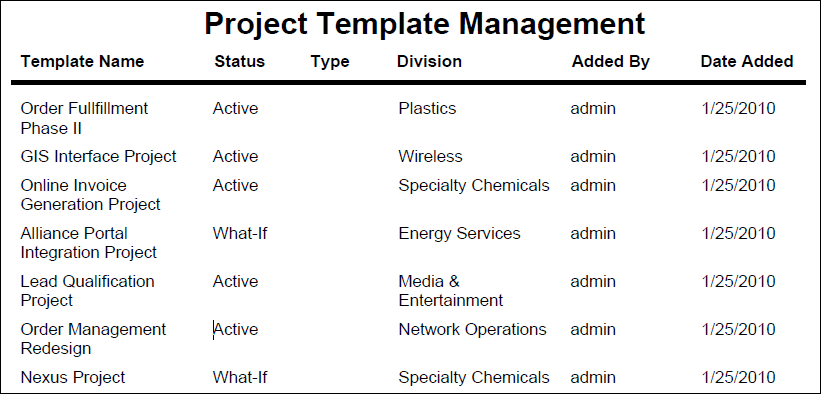
Lists all project templates along with status, division, and added by person and date.
Location
- On the
 Navigation Menu, select
  Reports.
 - Expand the P6Reports folder.
- Expand the Administrative folder.
- Click Project Template Management.
Last Published Tuesday, March 31, 2026