Timesheets Status without Notes
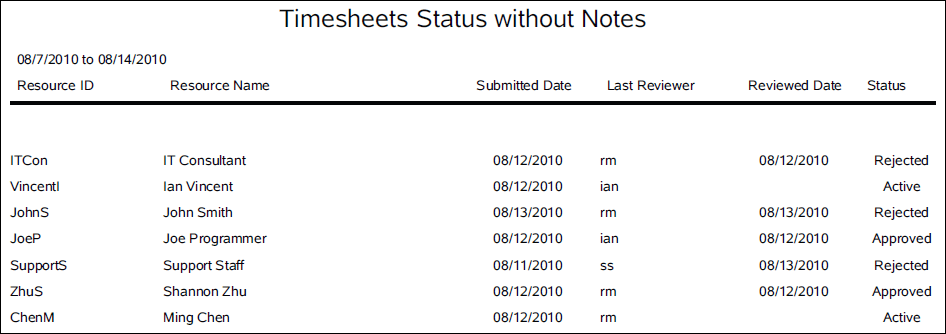
Description
Lists timesheets for resources along with the status, submitted and reviewed dates, and name of the last reviewer.
Location
- On the
 Navigation Menu, select
  Reports.
 - Expand the P6Reports folder.
- Expand the Administrative folder.
- Expand the Timesheets folder.
- Click Timesheets Status without Notes.
Last Published Tuesday, March 31, 2026