Outage Look Ahead
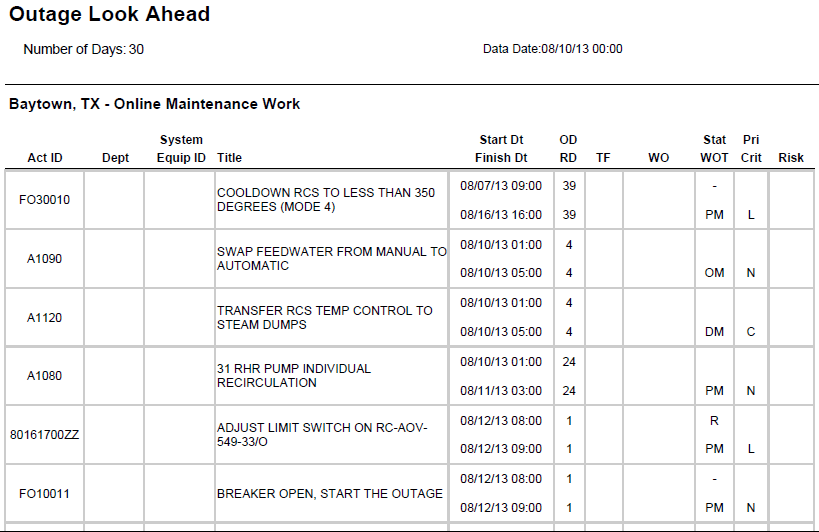
Description
Shows a list of activities for the specified number of days from the data date. For each activity, the report shows Activity ID, Activity Name (as Title) Start, Finish, Original Duration, Remaining Duration, Total Float, and the following User Defined Fields: Dept, System Equip ID, WO, Stat WOT, Pri, Crit, and Risk.
Location
- On the
 Navigation Menu, select
  Reports.
 - Expand the P6Reports folder.
- Expand the Industry Samples folder.
- Expand the Utilities folder.
- Expand the Outage folder.
- Click Outage Look Ahead.
Last Published Tuesday, March 31, 2026