Deleting an Existing Topology
To delete an existing topology, perform the following:
Click any existing topology in the Topology page. This displays the Topology Information page of the topology.
Click Delete, to delete the topology.
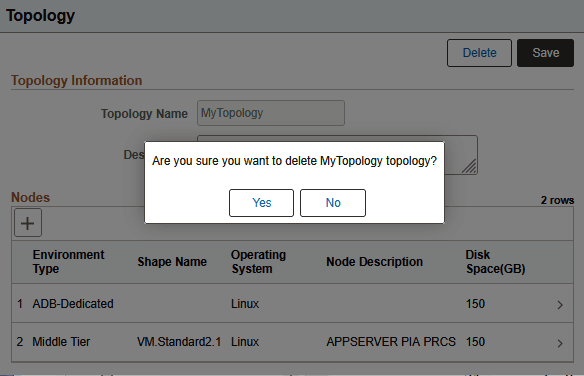
Click Yes on the dialog box with the message "Are you sure you want to delete <topology name> topology?"
This example illustrates the confirmation message when deleting Topology.