(USF) Using the Quick Access - Personal Information Dashboard as a Federal Employee
This topic describes the delivered sections and tiles for the federal employee Quick Access - Personal Information dashboard.
|
Page Name |
Definition Name |
Usage |
|---|---|---|
|
HC_GVT_PERS_DTLS_FL_GBL_LINK (this is the cref for this tile) |
Access the Personal Information dashboard as a federal employee. |
|
|
HC_GVT_PERS_INFO_FL_DBRD_LP |
Access self-service content and navigation items for biographical, contact, compliance, equality, disability, and other data as a federal employee. |
Use the Personal Information tile to access the Personal Information dashboard as a federal employee.
Note: A user must be identified as a federal employee with the HCLPSSUSFPERSINFO - Personal Information Federal permission list to see and access this tile.
Navigation:
The Personal Information tile is part of the Quick Access section of the PeopleSoft (My Home) Landing Page for federal employees.
This example illustrates the Personal Information tile.
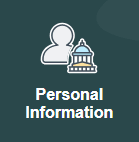
Select this tile to access the Personal Information Dashboard.
Use the Personal Information dashboard to access self-service content and navigation items for biographical, contact, compliance, equality, disability, and other data as a federal employee.
Note: A user must be identified as a federal employee with the HCLPSSUSFPERSINFO - Personal Information Federal permission list to see and access this tile.
Navigation:
Select the Personal Information tile from the Quick Access section of the PeopleSoft (My Home) Landing Page when you are logged in as a federal employee.
This example illustrates the Personal Information dashboard.
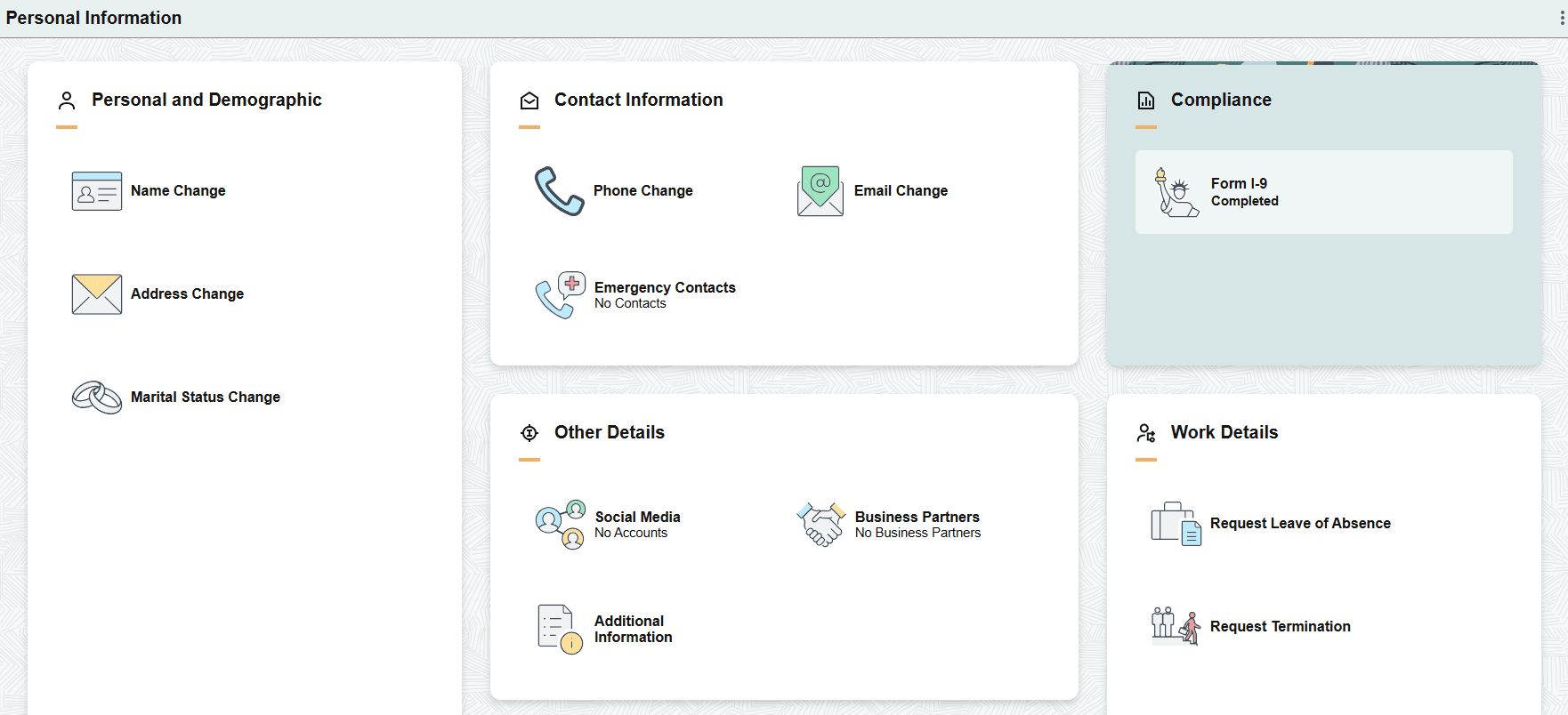
The Personal Information dashboard includes the following sections and tiles, which appear based on user roles and security permissions.
Personal and Demographic section
These tiles take you to the Classic federal self-service pages to update PAR records.
Name Change tile
Addresses Change tile
Marital Status Change tile
Contact Information section
The phone tile takes you to the Classic federal page while the email and emergency contact tiles take you to the Fluid self-service pages.
Phone Change tile
Email Change tile (see the Fluid Email Address Page)
Emergency Contacts tile (see the Fluid Emergency Contacts (Summary) Page)
Compliance section
Form I-9 tile (see the Fluid (USA) Form I-9 Page)
Other Details section
These tiles take you to the Fluid self-service pages.
Social Media tile (see the Fluid Social Media (Summary) Page)
Business Partners tile (see the Fluid Business Partners Page)
Additional Information tile (see the Fluid Additional Information Page
Work Details section
These tiles take you to the Classic federal self-service pages.
Request Leave of Absence tile
Request Termination tile
Many of the Classic federal transaction pages are listed in the following documentation.