6.2.5.4.4 Reboot NOAM Servers
This procedure removes the merge data from servers by rebooting them.
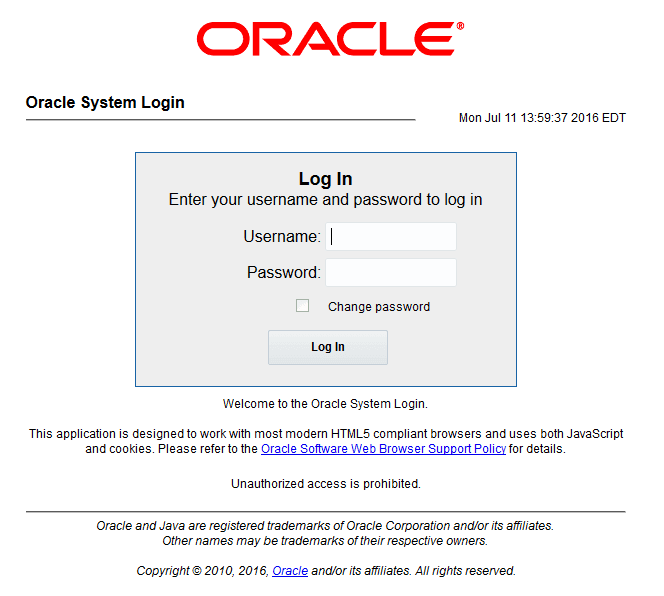
- Log in as the
guiadminuser.Figure 6-29 Oracle System Login
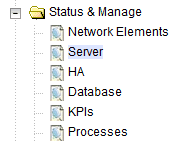
- Navigate Status & Manage and click
Server.
Figure 6-30 Server
- Select all NOAM servers except the active NOAM and click
Reboot.
Figure 6-31 Reboot

Verify the server changes to the Err state and wait until it returns to the Enabled/Norm state.
Select the Active NOAM server and click Reboot.
Figure 6-32 Reboot
After rebooting the active NOAM server, the GUI goes away. Establish a GUI session on the NOAM by using the XMI VIP address. Login as
guiadminuser after some time.If this procedure fails, contact My Oracle Support for assistance.