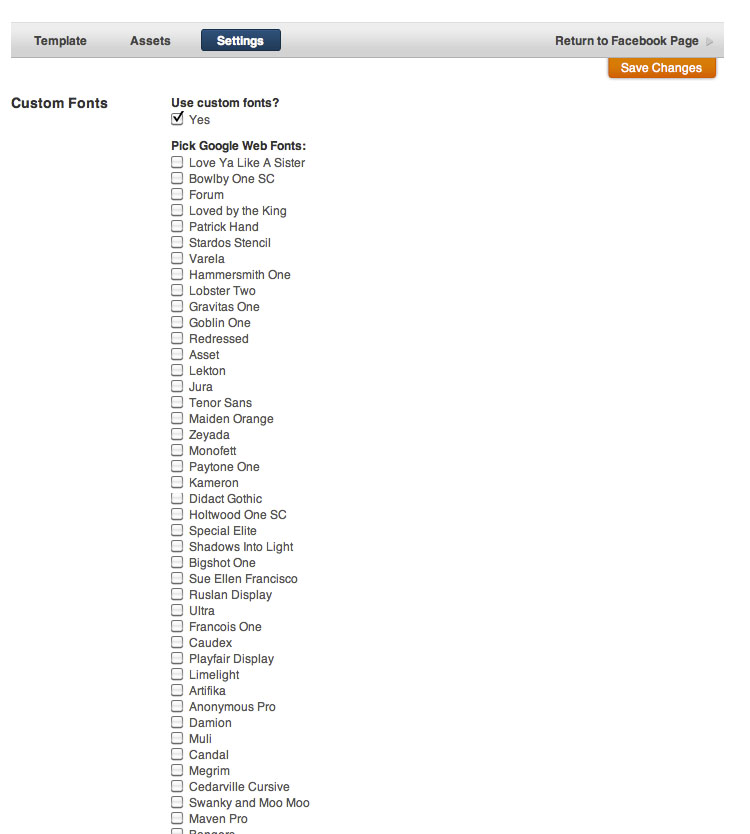
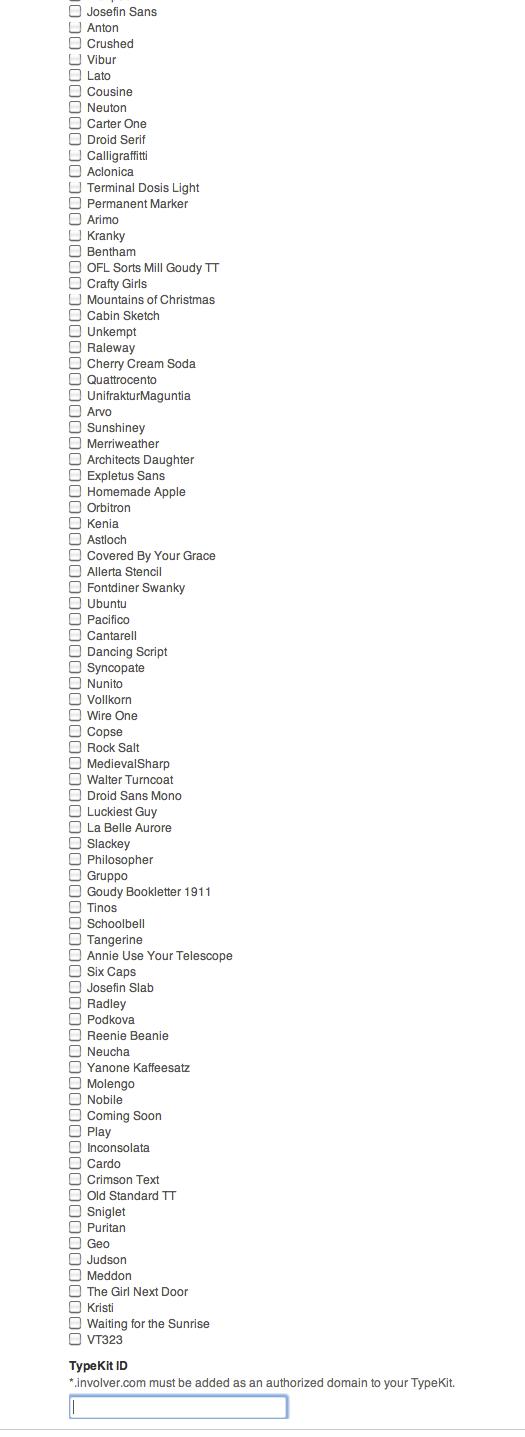
Involver's SML Tabs have native support for all Google Fonts and the ability to add a Typekit ID to add support for your Typekit fonts as well. This feature is available to all users. In your SML editor window click on the Settings tab at top and then check the box that says "Use Custom Fonts". Simply select the fonts you want to use and call them from your CSS. No additional configuration or setup is required to use the built-in fonts.
You can view the Google font library on their website at http://www.google.com/webfonts for previews of the available fonts but you don't need to worry about adding their javascript to your SML tab, just find the font you want in the list, check the box, and save.
If you want to add a Typekit ID and gain access to their library of over 2,000 fonts you can do so using the entry box. You'll need to make sure that you have *.involver.com as an authorized domain in your Typekit account. Once that's configured you can call your typekit fonts directly from your CSS. More information on configuring your typekit account can be found on their website at http://help.typekit.com/customer/portal/articles/6780-adding-fonts-to-your-site
Please note: At this time you must select at least one of the native fonts in order to make the font loader script fire, even if you're only actually using fonts from typekit.

 menu.jpg (image/jpeg)
long list top.jpg (image/jpeg)
long list.png (image/png)
fonts screenshot.png (image/png)
menu.jpg (image/jpeg)
long list top.jpg (image/jpeg)
long list.png (image/png)
fonts screenshot.png (image/png)