Working on CNC Console Interface
Top Ribbon
Left Pane - NFs and APIs
Right Pane - Details View
After the user log on using credentials, the CNC Console Welcome screen appears by default.
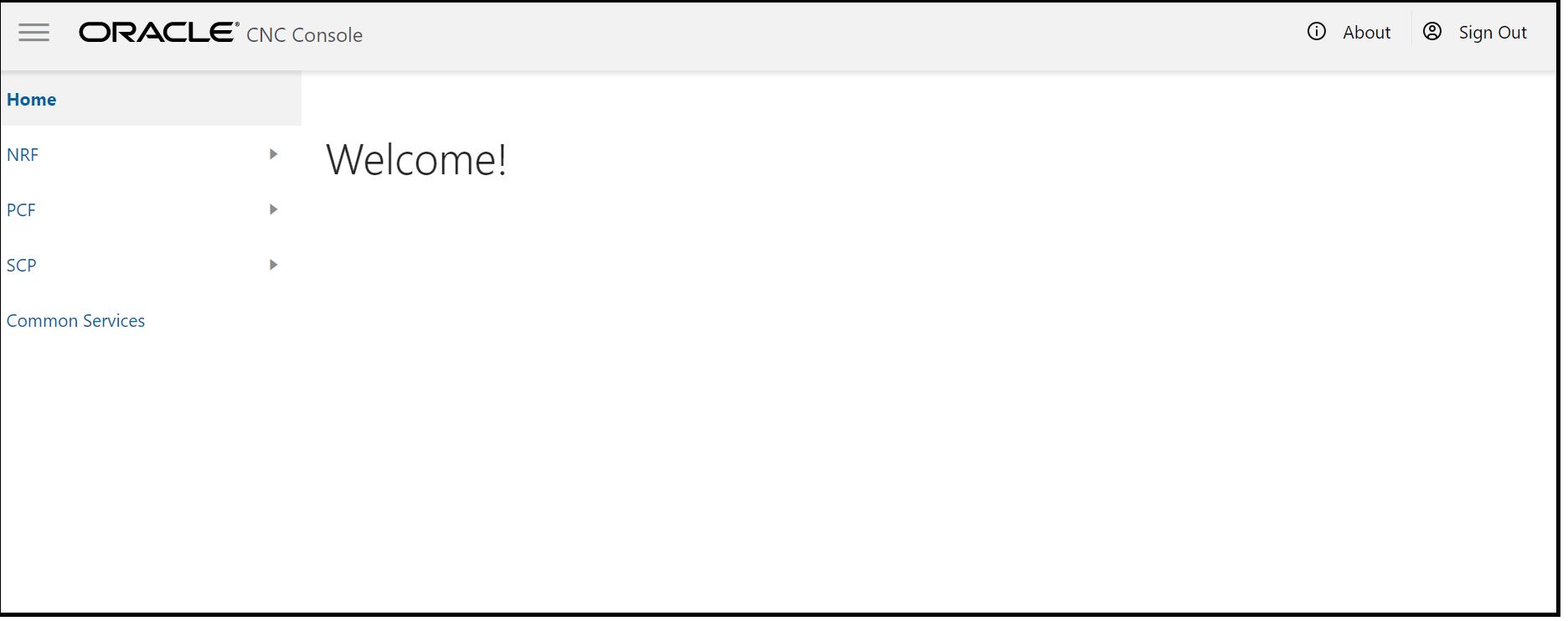
- The top ribbon has following features:
- About- Tells about the product name and the version of the Interface
- Sign Out- For the user to sign out
Note:
The Collapse button at the left side allows the user to collapse the left panThe left pane displays the list of Network Functions and respective APIs.
The right pane displays details of the parameters that can be updated in the selected API.


