Merge Customization Sandbox to Main Sandbox
After you prepare, validate, and apply the latest changes to your sandbox, you can merge your sandbox with the main Sandbox.
The Merge to Main Sandbox option is available when the other custom sandbox has been published.
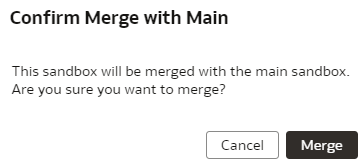
- In Confirm Merge with Main, review the message and click
Merge.