Review Sourcing Lifecycle in Negotiation Details Page
Review sourcing lifecycle activity in the Negotiation Details page. The enhancement gives sourcing users a clearer overview of negotiation activity, supplier actions, and lifecycle status from the negotiation context.
This helps users monitor negotiation progress and take follow-up action without repeatedly moving between disconnected pages.
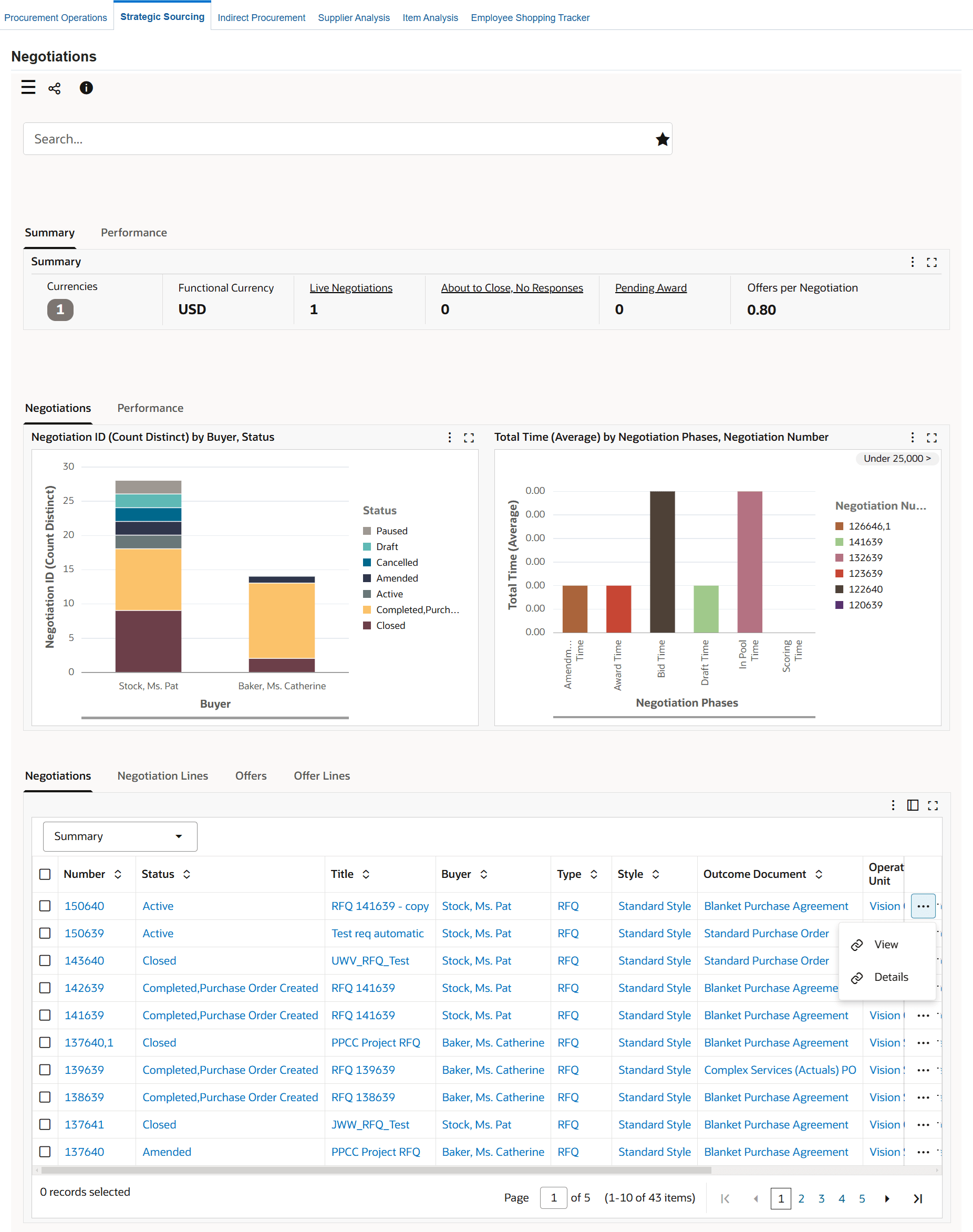
To review a negotiation and negotiation lines and get an insight into a negotiation through metrics and charts, click Details for a negotiation to navigate to the Negotiation Details page.
Important: When you navigate to the Negotiation Details page from the Negotiation results table, the dashboard filters data based on the selected negotiation.
Use the Negotiation Details page to:
- Review negotiation details such as total lines, suppliers, quotes received, and number of amendments.
- Review the average time it takes to process a negotiation through different phases.
- Compare the start price, target price, current price, quote price, and award price for a negotiation.
- Track details of a negotiation's cycle times.
- Review negotiation timeline.
Negotiation Details Page
Steps to enable and configure
- Apply the Procurement Command Center update that delivers the sourcing lifecycle view in Negotiation Details and confirm the required Oracle Enterprise Command Center Framework level is installed and enabled.
- Grant the Procurement Command Center pages, actions, function security, and data access to the procurement users who will use the feature.
- Run the applicable Procurement Command Center data load as an initial full load, then schedule incremental refreshes that match the operational review cycle.
- Validate the dashboard metrics, refinements, result tables, and action links with representative requisitions, orders, agreements, suppliers, items, and negotiations.
- Validate navigation and actions on representative negotiations, including supplier-related actions and lifecycle monitoring.
Tips and considerations
- Confirm responsibility, operating unit, buyer, supplier, and document security before broad rollout so users see the right records and actions.
- Use selected refinements and result-table drilldowns during testing so users can move from a summary metric to the transaction or setup page where action is taken.
- Use this view during active negotiations to monitor supplier participation, collaboration actions, and lifecycle progress before close or award decisions.
Key resources
Oracle Purchasing User's Guide