Analyzing the Purchase Order Process Model
The Procurement Process Owner can view and analyze the purchase order processes in the Enterprise Process window (runtime mode).
To select your purchase order processes to be displayed in the Enterprise Process (runtime mode) window:
- Access the JD Edwards EnterpriseOne application.
- From the User menu, click My Content, and select My Processes. The system displays the Select My Processes window along with a list of enterprise processes you created.
- Click Select All, or select the individual process as required.
- Click Save.
The selected processes are displayed in the Select Process drop-down list of the Enterprise Process window.
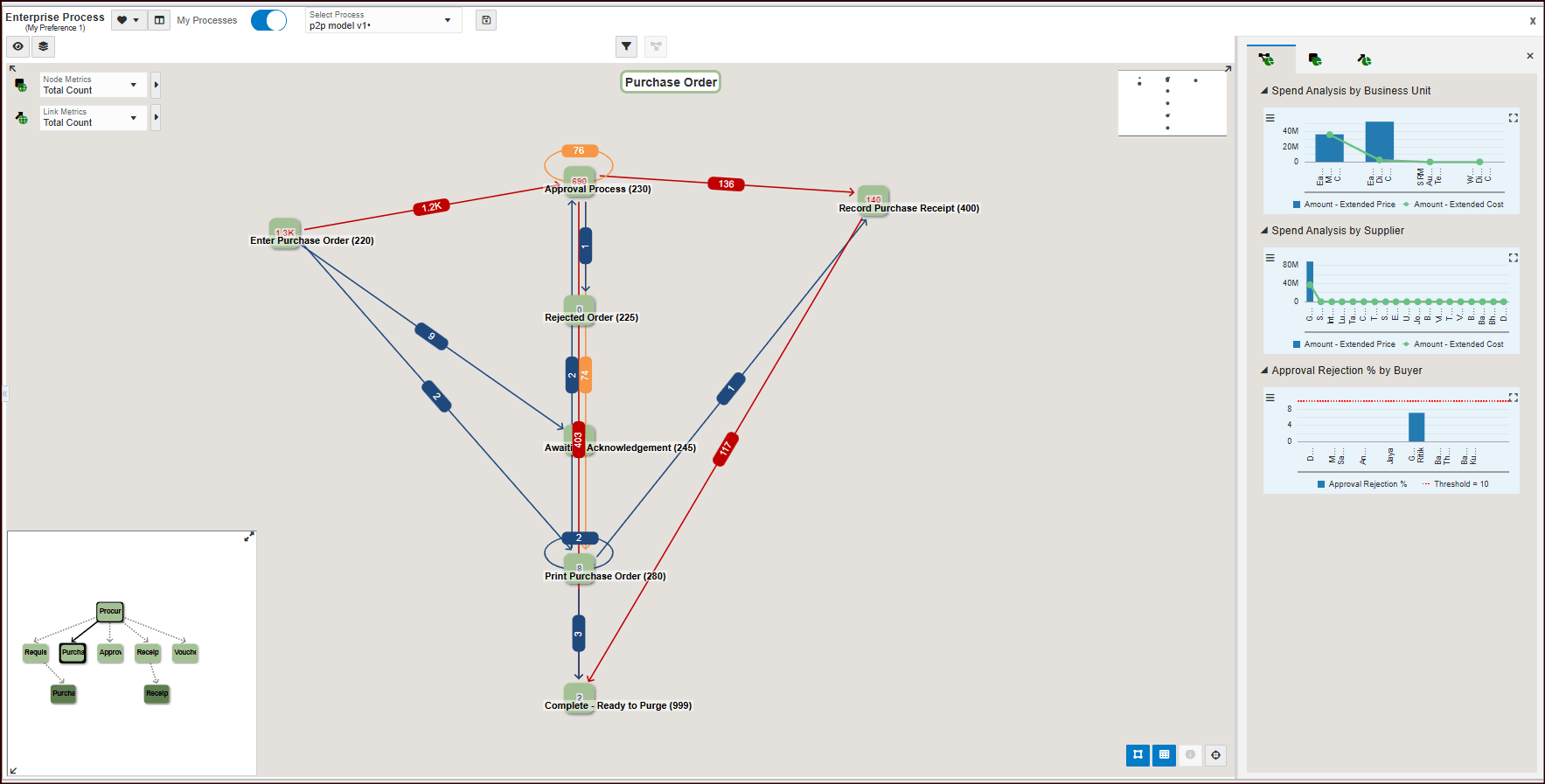
For more information, see "Analyzing an Enterprise Process" in the JD Edwards EnterpriseOne Tools Enterprise Process Modeler Guide.