
 Applying
the
Redwood Theme on a Mobile application
Applying
the
Redwood Theme on a Mobile application Before You Begin
This 5-minute tutorial shows how to apply the redwood theme on the created customer search mobile application.
In this tutorial we have shown the steps to apply the Oracle Redwood Theme to the application; follow the steps to apply any theme of your choice to the application.
 Applying
the
Redwood Theme
Applying
the
Redwood Theme
To apply the redwood theme on the created customer search mobile application:
- Open the VBCS Mobile Application.
- Navigate to Settings, go to Source View (1)
and double-click on index.html in the navigator (2)
to open the application in the editor (3),
and then click the gear icon (4).
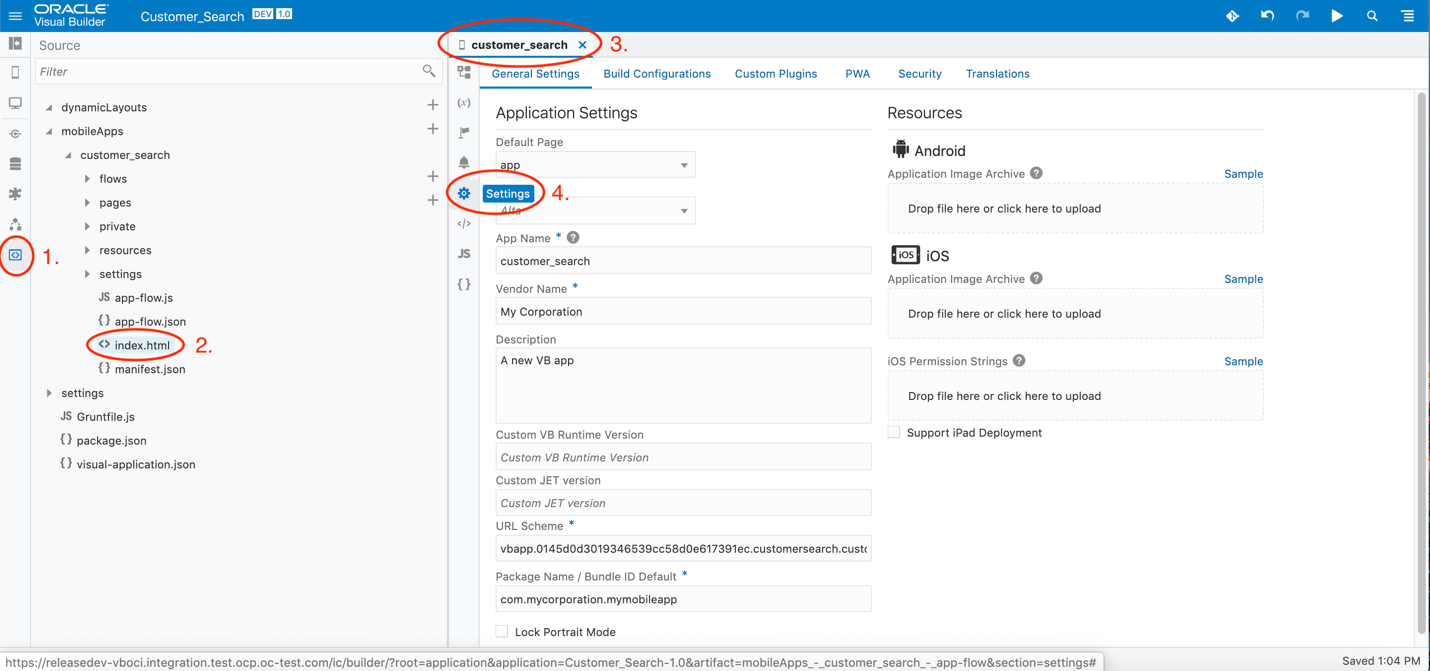
Application Settings - Select Redwood from the theme drop-down menu in settings and refresh the page in the editor or in the application. The theme will change to Redwood.
- Change the versions for Custom VB Runtime
and Custom JET. By default the latest
version is used, or you can also use your own VB Runtime and
JET version.
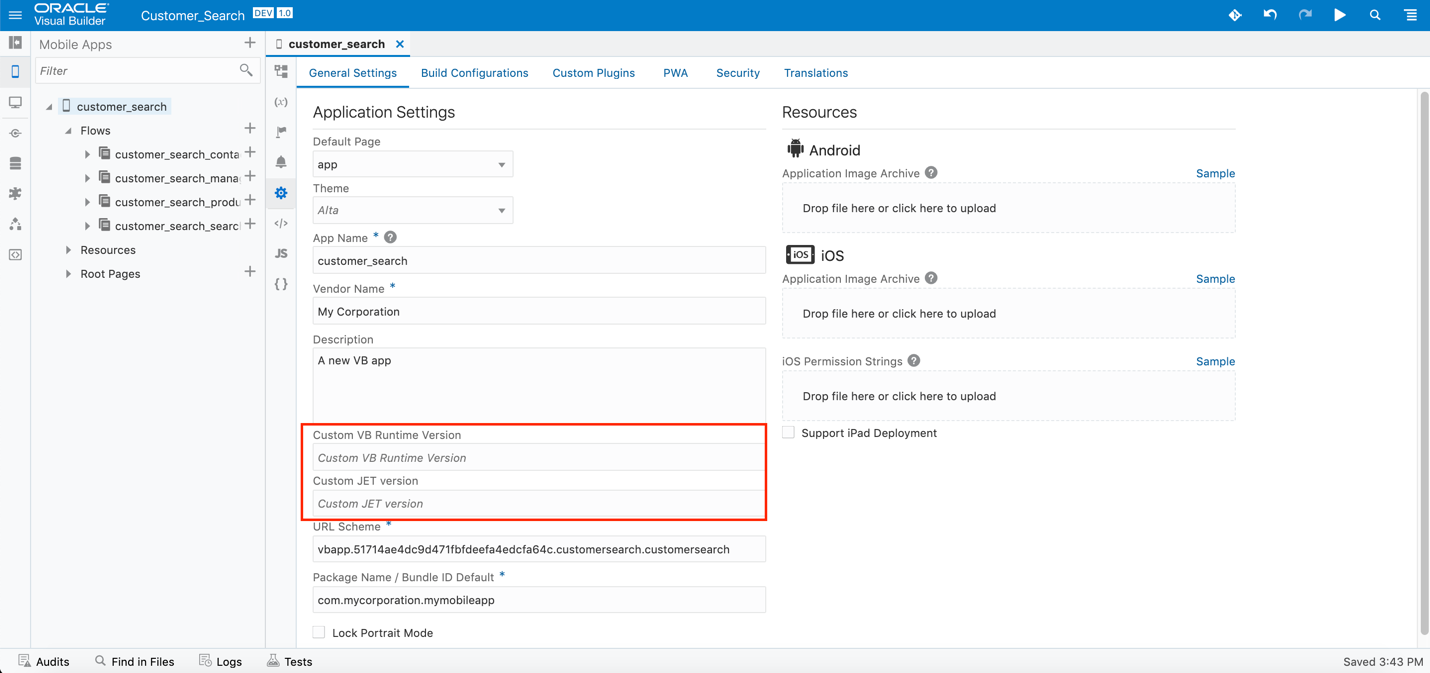
Custom VB Runtime and Custom JET Version - Click index.html:
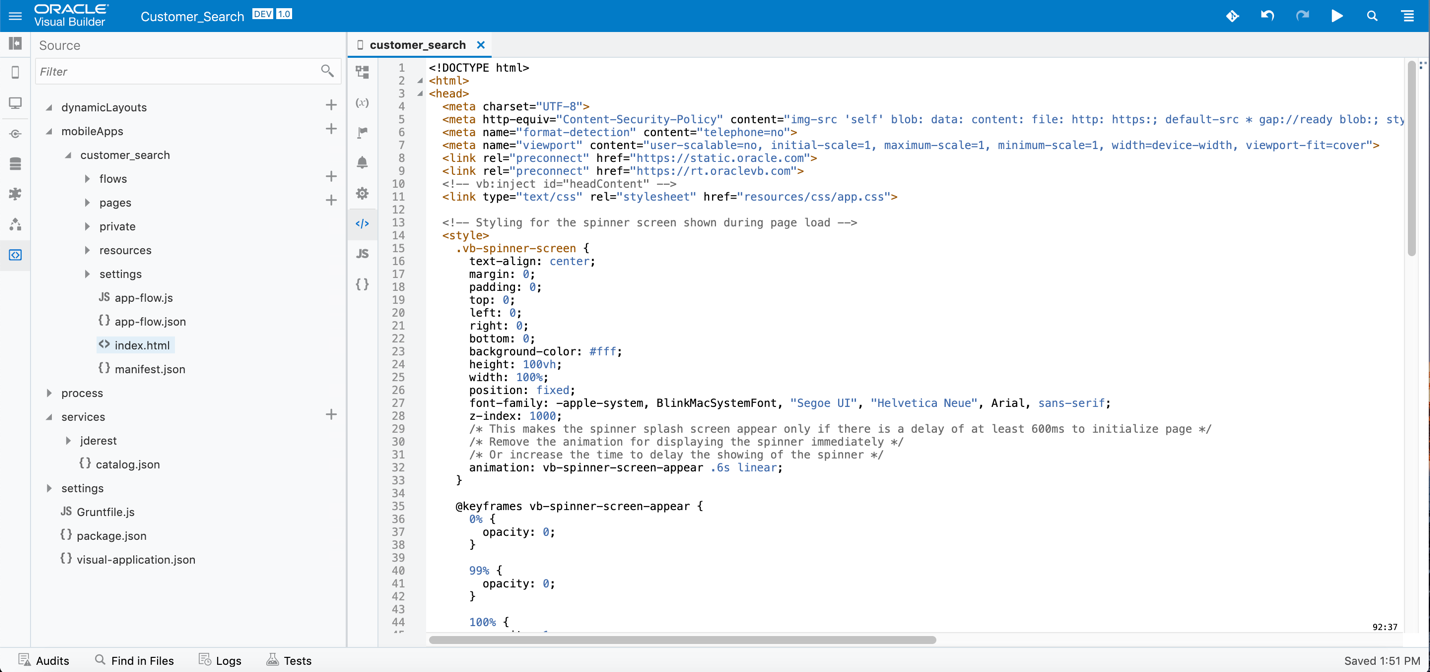
Application Index Page - Click here to copy and replace
the given code in index.html.