Setting Up Logging
Access the Logging component to enable and configure the logging feature under .
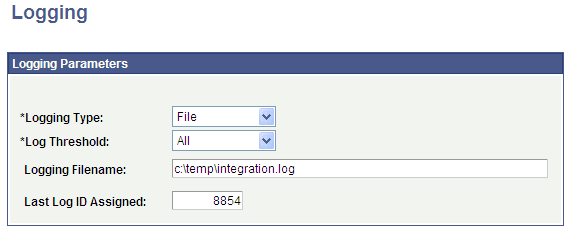
This example illustrates the fields and controls on the Example of how the Logging page can be set up. You can find definitions for the fields and controls later on this page.
Note:
You should not enable logging in a production environment. SOA framework logging is only appropriate for a testing, demo or development environment or when performing critical troubleshooting activities.
See PeopleTools: Integration Broker.