Verifying USI Records
Use this page to verify USI records. Also use this page to review previous successful and unsuccessful requests processed through the USI page and the Bulk USI Process, and by the student in Self-Service.
Access the USI page ().
Note:
Search by EmpID on the USI page to retrieve a student’s information.
This example illustrates the fields and controls on the Unique Student Identifier page.
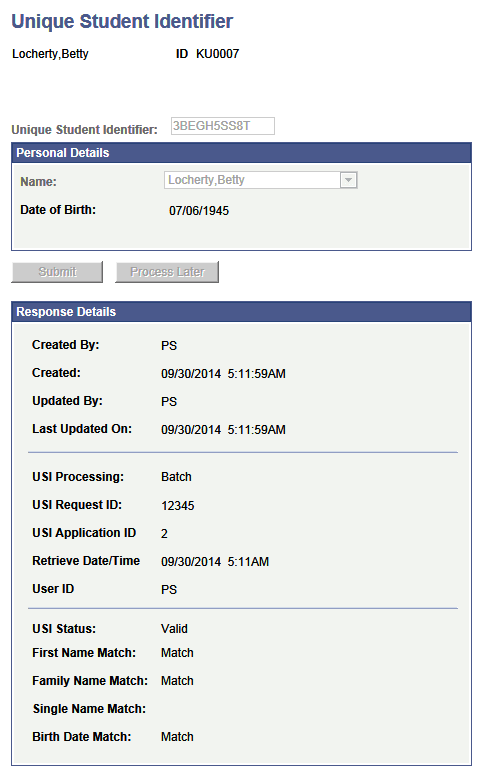
Enter the USI code in the Unique Student Identifier box and select Submit. Your entry is validated by the USI check digit algorithm contained in the Unique Student Identifier field. The USI Agency returns a detailed response and creates a new National ID record for the USI if the verification is successful.