1.1.6 Using the Fluid User Interface
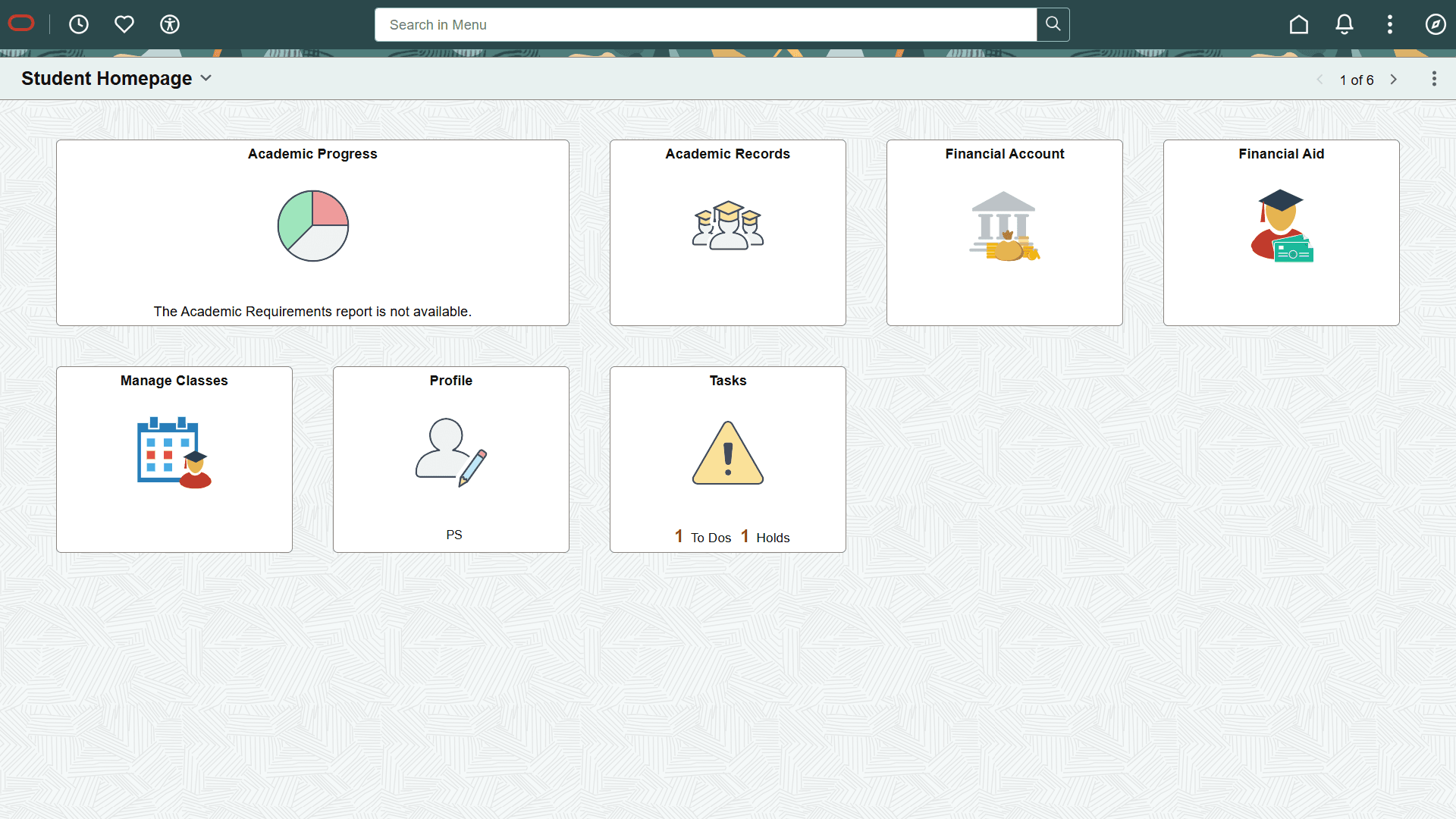
When you sign in to your PeopleSoft application, you may see the PeopleSoft Fluid User Interface by default. To access the menu items, as seen in the classic user interface, from the PeopleSoft Fluid User Interface:
-
On the PeopleSoft Fluid User Interface, shown in this example, select (press) the NavBar button at the top right, which looks like a compass.
Figure 1-1 PeopleSoft Fluid User Interface home page
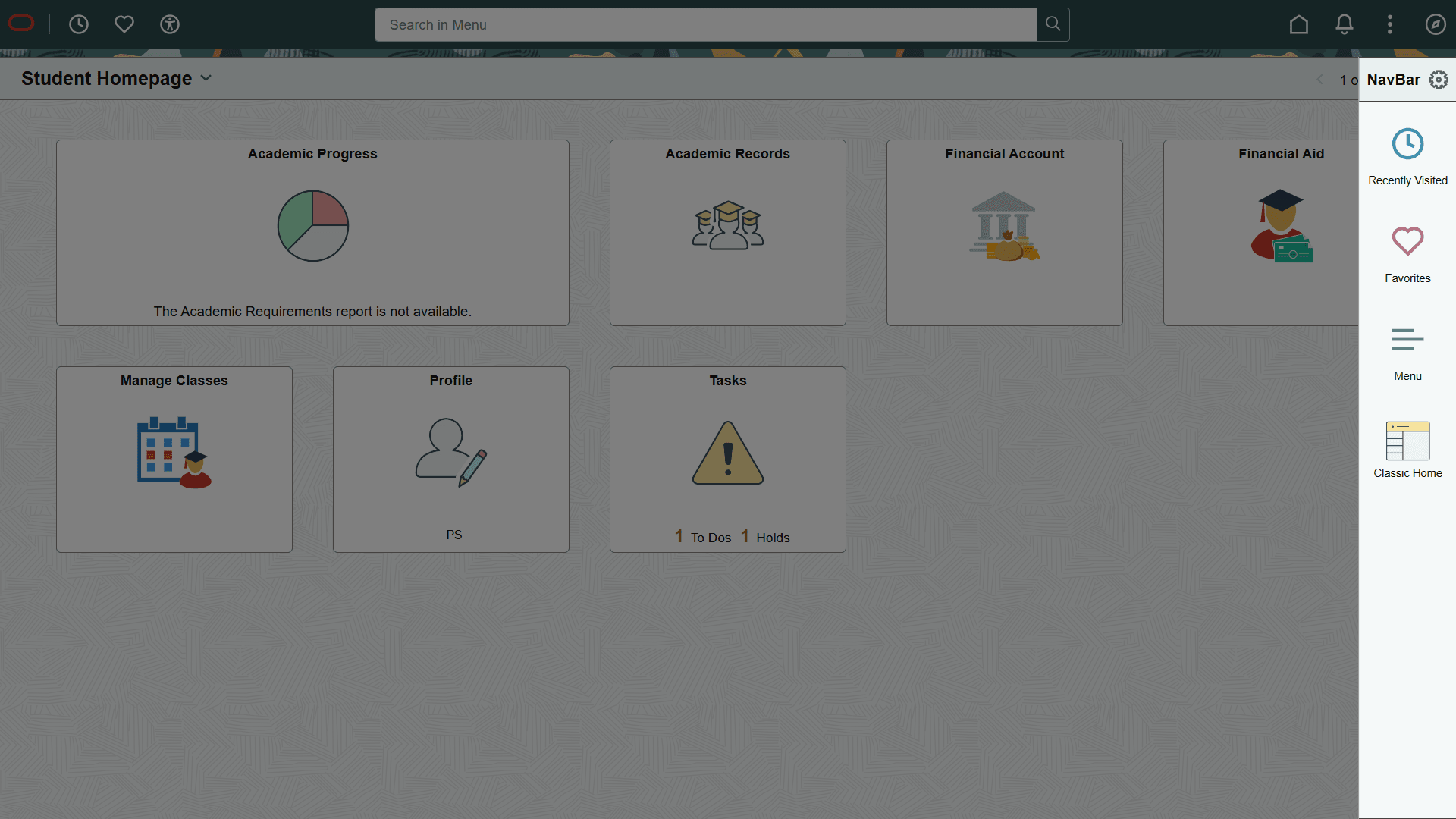
The Navigation bar (NavBar) side page appears.
-
Select (press) Menu.
Figure 1-2 NavBar side page
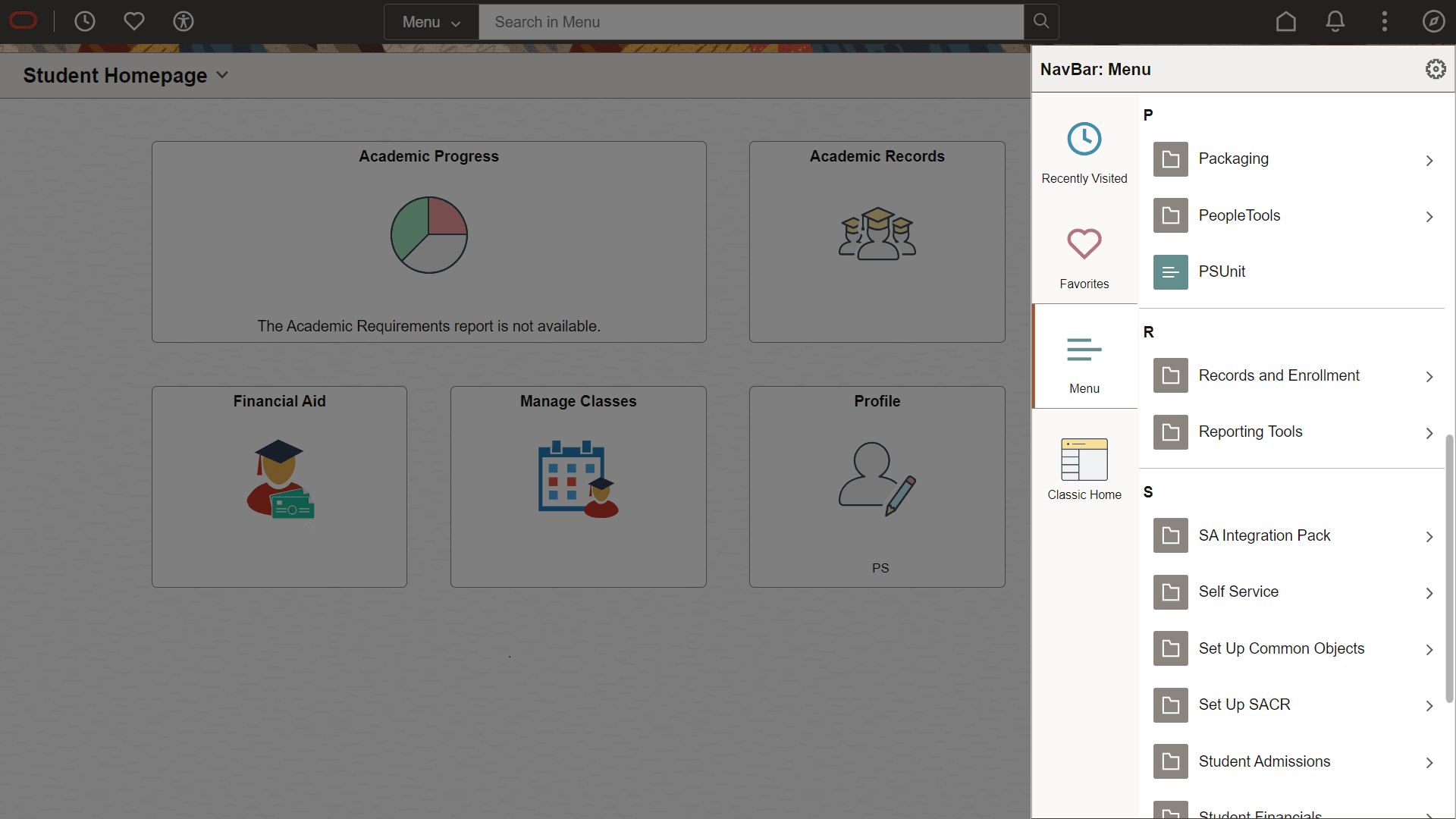
The menu structure appears.
-
Navigate to the desired item, such as Student Recruiting or PeopleTools.
Figure 1-3 Navigator side page with PeopleSoft menu items
See Also
PeopleTools: Applications User’s Guide, "Working With Fluid Homepages"
PeopleTools: Fluid User Interface Developer’s Guide