Refreshing the HCM Registry Cache
A new version (1.1) of the Campus Solutions AddPersonCS service has been delivered. This may require the HCM service registry to be refreshed.
To refresh the HCM service registry:
-
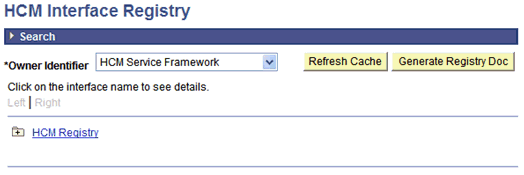
Access the HCM Interface Registry page ().
This example illustrates the fields and controls on the HCM Interface Registry page.
-
2. Click the Refresh Cache button.