Asset Tracking Section
Use the Asset Tracking Section (EPAM_ASSET_TRACKING_SCTN_LP) to access common tiles for Asset Tracking users.
Navigation:
Access the My Home landing page.
This example illustrates the fields and controls on the Asset Tracking Section.
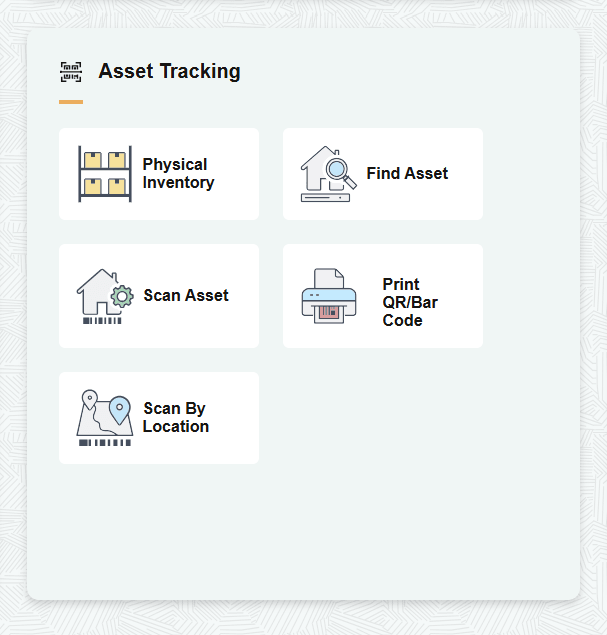
| Field or Control | Description |
|---|---|
|
Physical Inventory |
Select to access the PeopleSoft Asset Management: Physical Inventory Page |
|
Find Asset |
Select to access the PeopleSoft Asset Management: Find Asset Page. |
|
Scan Asset |
Select to access the PeopleSoft Asset Management: Scan Asset Page. |
|
Print QR/Bar Code |
Select to access the PeopleSoft Asset Management: Print QR/Bar Code Page. |
|
Scan By Location |
Select to access the PeopleSoft Asset Management: Scan By Location Page |