eProcurement Section
Use the eProcurement Section (EP_PV_EPRO_HOMEPG_SECTION_FL) to access common tiles for eProcurement users.
Navigation:
Access the My Home landing page.
This example illustrates the fields and controls on the My Work - eProcurement section.
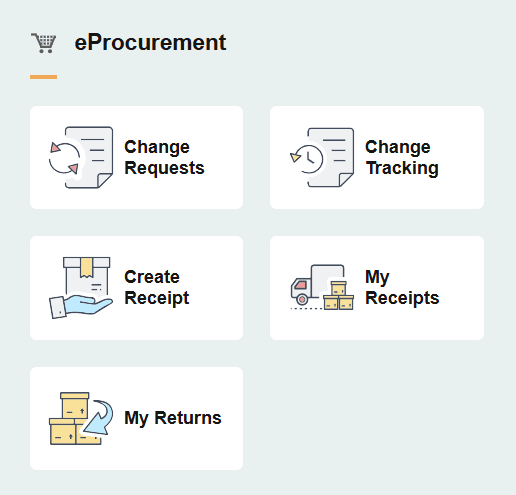
| Field or Control | Description |
|---|---|
|
Change Requests |
Select to access the PeopleSoft eProcurement: Review Change Requests (Fluid) Page. |
|
Change Tracking |
Select to access the PeopleSoft eProcurement: Review Change Tracking (Fluid) Page. |
|
Create Receipt |
Select to access the PeopleSoft eProcurement: Create Receipt Page. |
|
My Receipts |
Select to access the PeopleSoft eProcurement: My Receipts Page. |
|
My Returns |
Select to access the PeopleSoft eProcurement: My Returns Page. |