Example: WorkCenter page (Classic)
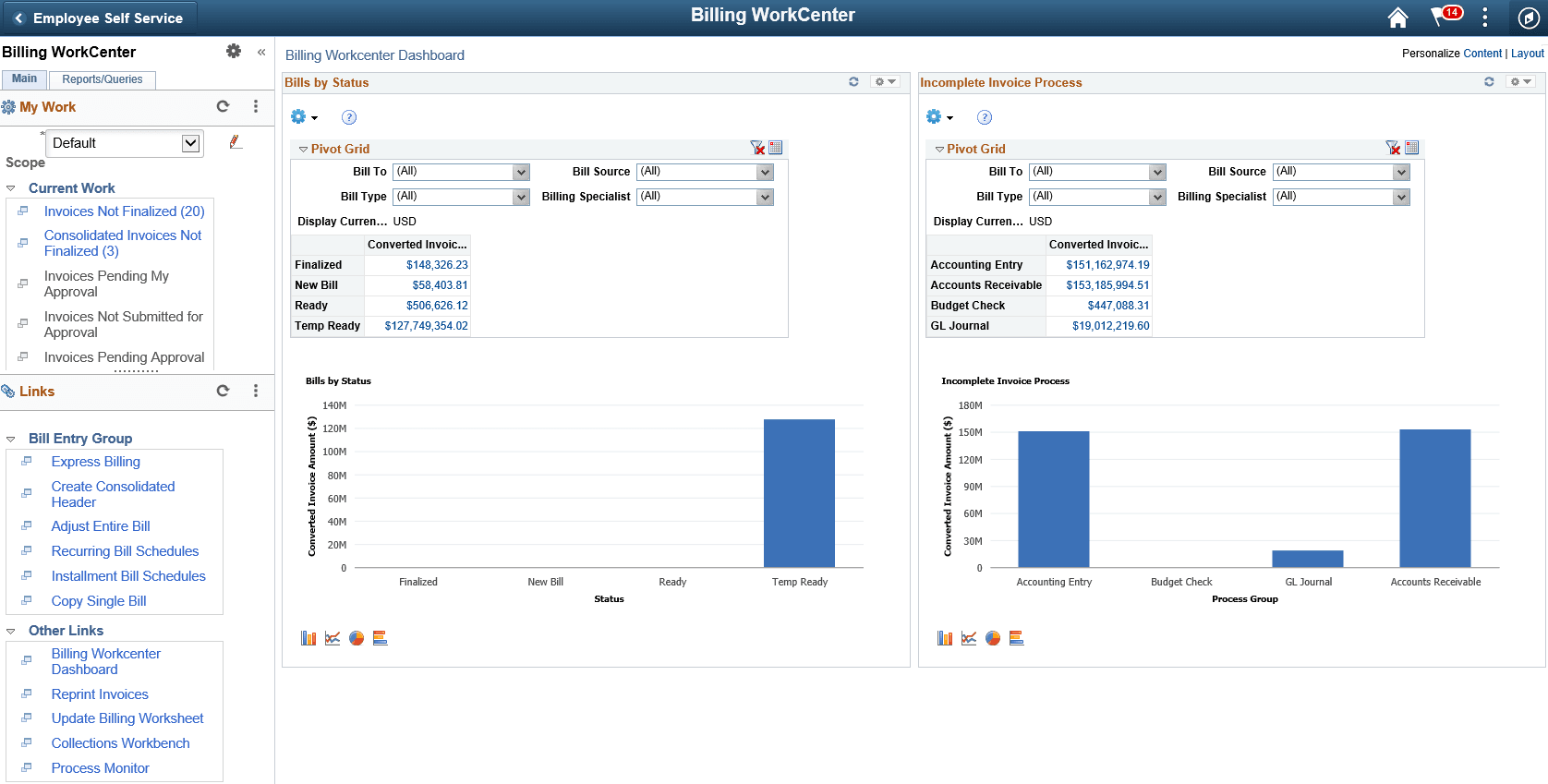
This example illustrates the fields and controls on the WorkCenter page (Classic).
Note:
Other application-specific WorkCenters may appear slightly differently. This example is provided as a general example of a WorkCenter.
The WorkCenter navigation is located on the left side of the page and includes two main tabs: Main and Reports/Queries. Some WorkCenter pagelets are common to multiple applications, and some pagelets are unique to individual applications.
Oracle’s PeopleSoft development has predefined My Work links that are available for import.
PeopleSoft Classic WorkCenter Tabs and Pagelets
There are common pagelets within a WorkCenter:
-
Main tab:
-
My Work
-
Links
-
-
Reports/Queries:
-
Queries
-
Reports and Processes
-
WorkCenters also provide a Welcome pane, which appears to the right of the left pane. A Welcome page explains some of the basic icons that are used throughout the WorkCenter. If a system administrator or an end user (if given access rights) selects the Starting Page check box on the Configure Pagelets component for My Work, Links, Queries, or Reports/Processes, then the option selected replaces the Welcome page in this pane.