My Home Landing Page
Use the My Home landing page (EO_PSFT_Home) to access a variety of transactions to perform and complete daily tasks. The default landing page presents consolidated actionable items and personalized notifications in a structured interface.
Note:
Users must be assigned the PeopleSoft Landing Page role to access the My Home page. Tiles within the landing page vary based on user role and security.
Navigation:
Select the My Home option from the homepage selector drop-down in the top left of the fluid page banner.
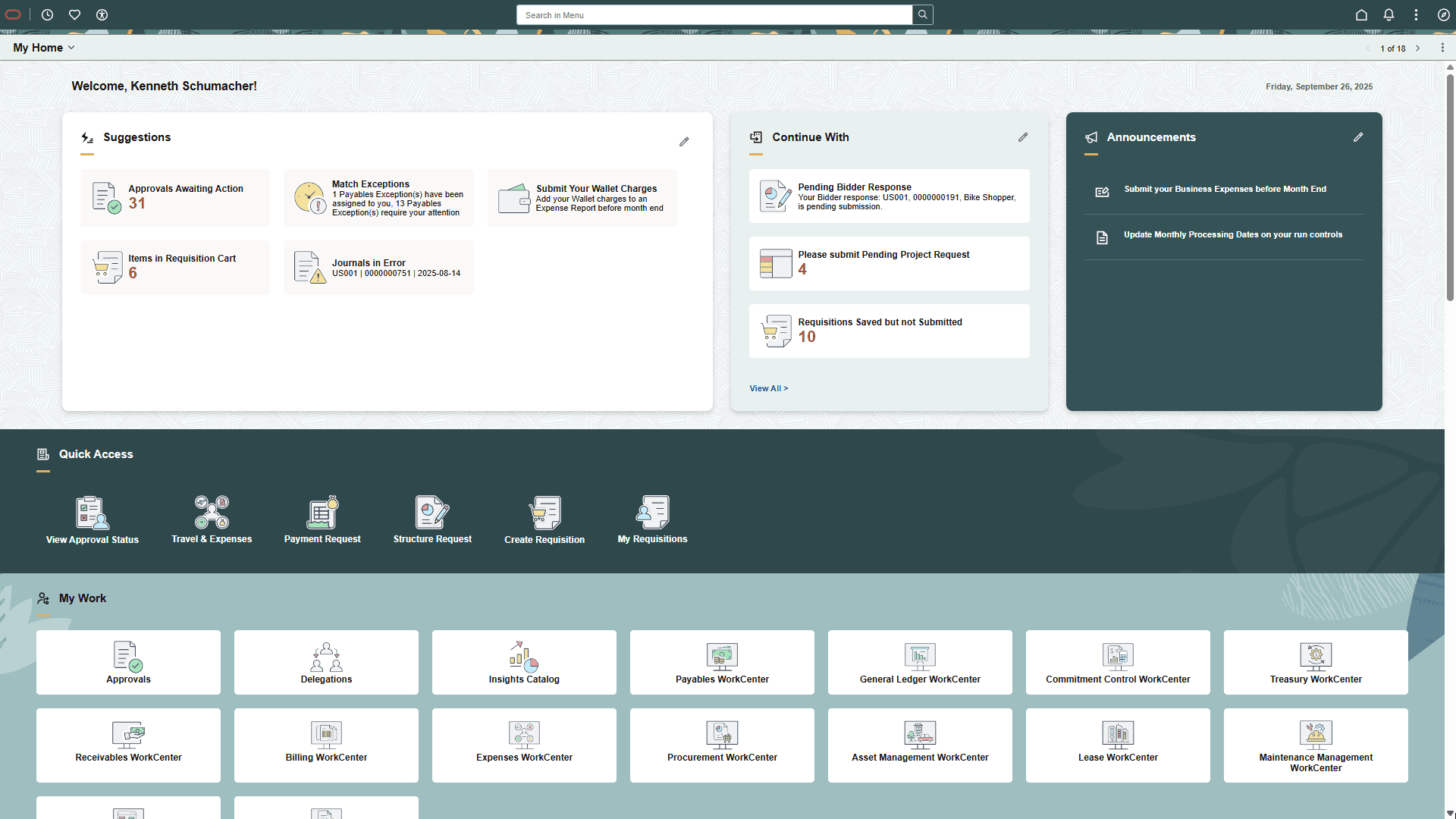
This example illustrates an example of a FSCM My Home landing page (1 of 4).
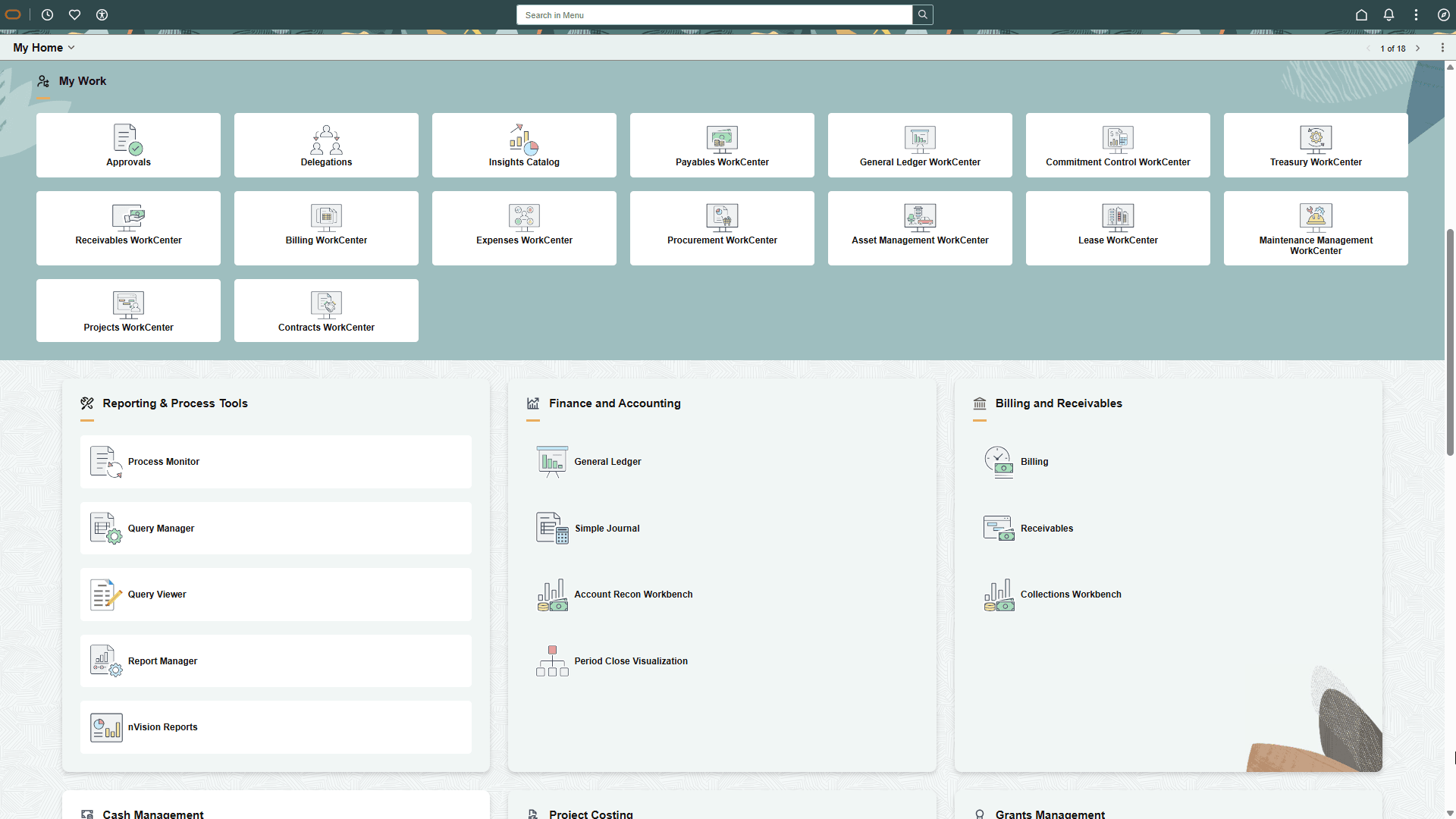
This example illustrates an example of a FSCM My Home landing page (2 of 4).
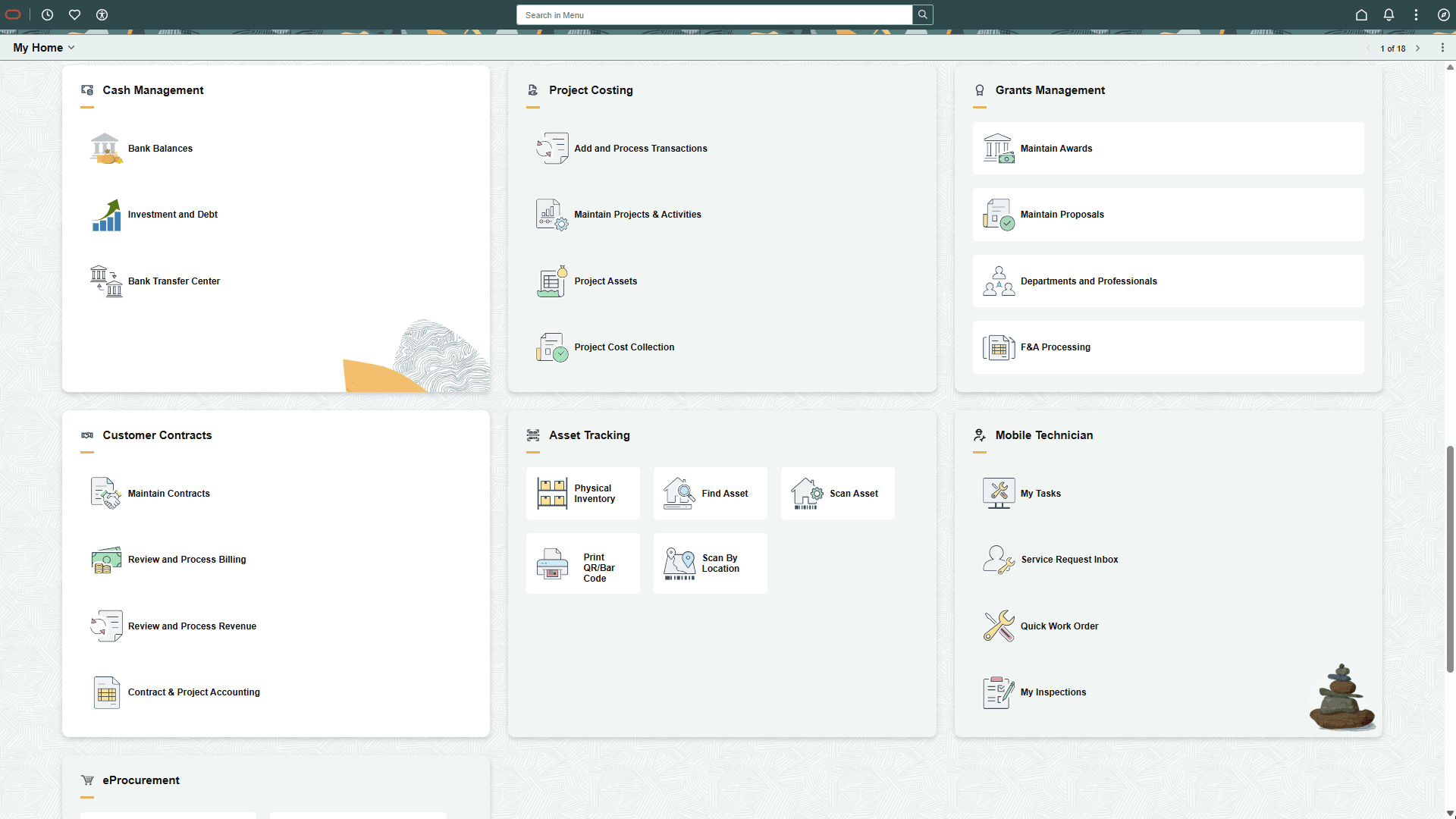
This example illustrates an example of a FSCM My Home landing page (3 of 4).
This example illustrates an example of a FSCM My Home landing page (4 of 4).
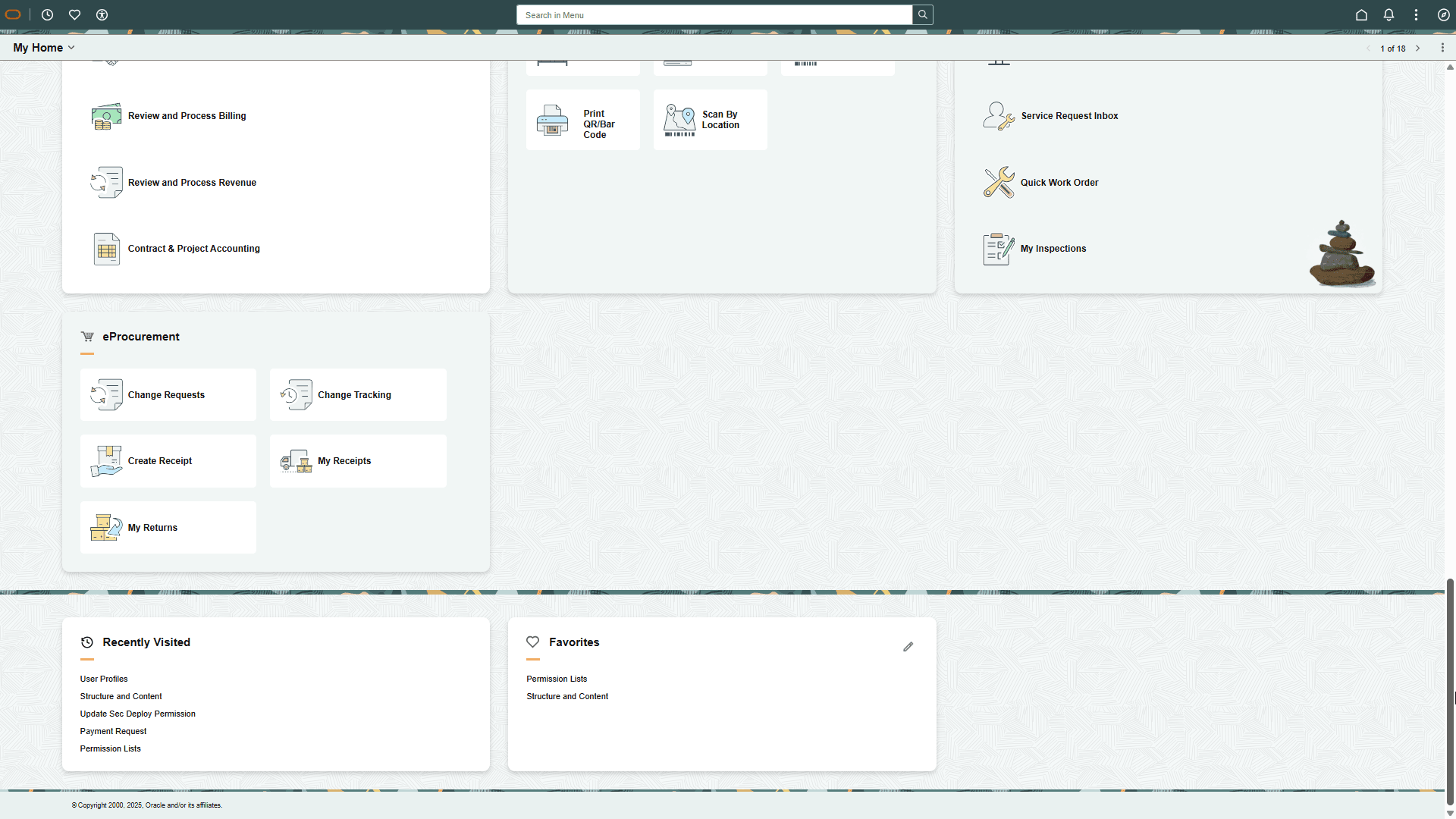
The My Home landing page is made up of various functional groups called sections. Sections contain functional or administrative groupings of tiles that use security to access and manage what sections and tiles are available to a user. This allows users, even those with multiple roles (e.g.-employee, manager, or administrator), to access their daily work transactions from one page.
Note:
Sections do not have security; they inherit security from the tiles or CREFs displayed within the section. When a user does not have access to any tiles within a section, the section does not appear for the user with the exception of dynamic sections that appear even when there are no tiles to display in them.
Tiles within a section can be static (content referenced-based tiles that are fixed and present on sections based on the permissions of the user) or can be dynamic (created as result of an event or action and go away when the user takes an action or dismisses the tile). For example, the Suggestions, Continue With, and Announcements sections contain dynamic tiles which prompt a user to do a task.
For more information on each section, see Working with My Home Landing Page Sections.
For more information on Landing page functionality, see PeopleTools: Portal Technology, "Developing Advanced Sectionalized Homepages and Dashboards," Designing PeopleSoft Landing Page.