My Work - Reporting & Process Tools Section
Use the Reporting & Process Tools section (EOHP_REPORTTOOLS_SCTN_LP) to view processes, perform queries, and generate reports.
Navigation:
The Reporting & Process Tools section is accessed from the My Work section of the My Home Landing page.
This example illustrates the fields and controls on the My Work - Reporting & Process Tools Section.
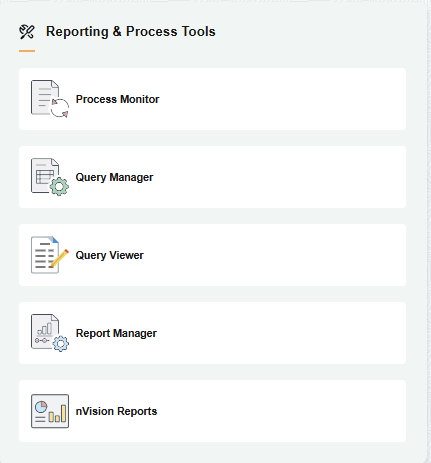
The Reporting & Process Tools section includes the following PeopleTools tiles, which appear based on user roles and security permissions.
-
Process Monitor Tile (cref: EO_PROCESS_MONITOR_GBL)
-
Query Manager Tile (cref: EO_QUERY_MANAGER_GBL)
-
Query Viewer Tile (cref: EO_QUERY_VIEWER_GBL)
-
Report Manager Tile (cref: EO_CONTENT_LIST_GBL)
-
nVision Reports Tile (cref: EO_NVS_REPORT_REQUEST_GBL)