Depreciation Process Log
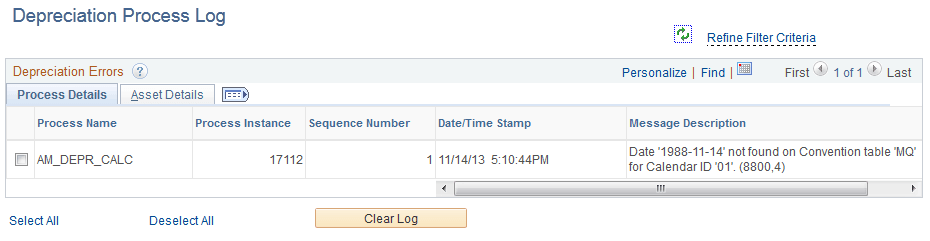
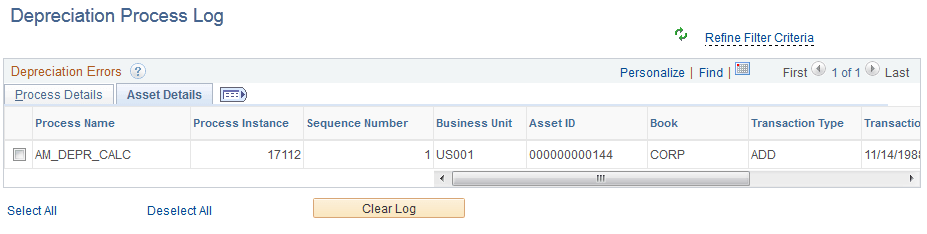
Use the Depreciation Process Log page (AM_WC_ERR_LOG) to display depreciation rows in error and select to remove from log.
Navigation:
Click the Exceptions: Depreciation Process Log link.
This example illustrates the fields and controls on the Depreciation Process Log Page – Process Details Tab.
This example illustrates the fields and controls on the Depreciation Process Log Page – Asset Details Tab.
| Field or Control | Description |
|---|---|
|
Clear Log |
Select one or more Process Instances and click the Clear Log button to remove selected logs from the log table. |