Approve Deals Page
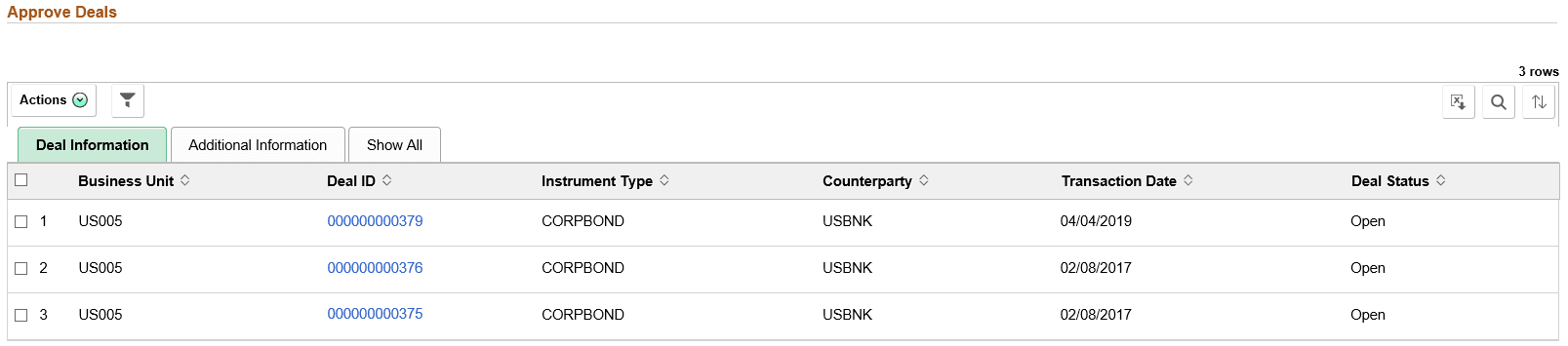
Use the Approve Deals page (TR_DEAL_WC_GRID_FL) to display open deals that are pending review; select deals and approve.
Navigation:
-
Click the Deals: Approve Deals link.
-
This example illustrates the fields and controls on the Approve Deals page. You can find definitions for the fields and controls later on this page.
| Field or Control | Description |
|---|---|
|
|
The available actions are the following:
|
