Configuring the Default Tree Setup
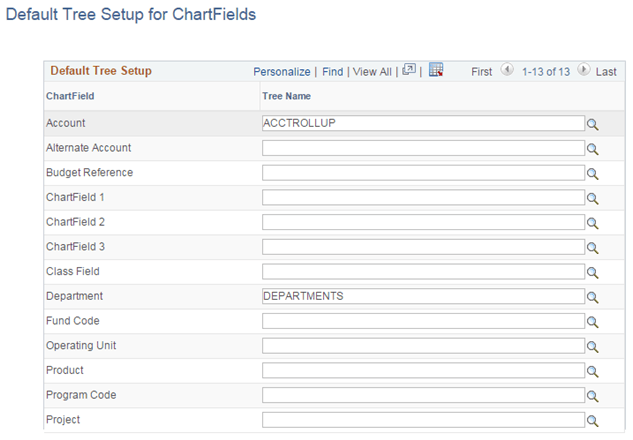
Use the Default Tree Setup for ChartFields page to configure the default trees for ChartFields. These trees are used as the default tree when the Tree Name field is added to a report or dashboard for a ChartField.
Navigation:
This example illustrates the fields and controls on the Default Tree Setup for ChartFields page.
Note:
Tree Name prompt shows only the tree names that are flattened through Tree Flattener process.