Translation Within Ledger - ChartFields Page
Use the Translation Within Ledger - Chartfields page (MBXLAT_STEP_CF) to identify the accounts that you want to include in your step.
Navigation:
This example illustrates the fields and controls on the Translation Within Ledger - Chartfields page.
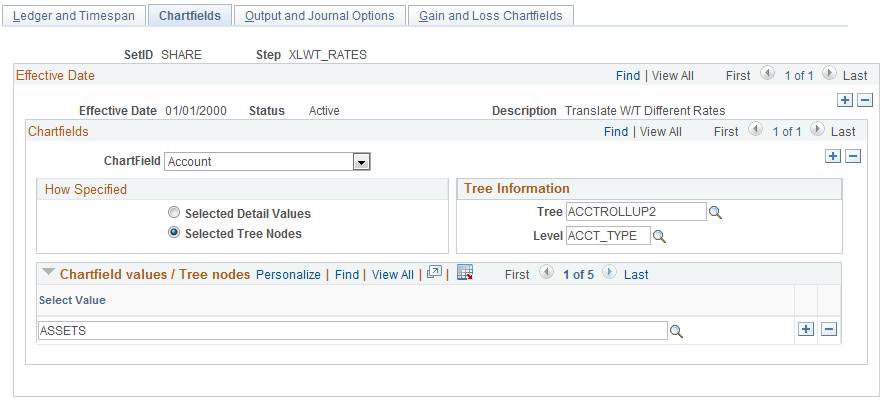
Although this ChartField page has a different object name than the Revaluation - Source Chartfields page, the fields are common to both pages. See the Specifying Source ChartFields for Revaluation topic.
| Field or Control | Description |
|---|---|
|
Chartfields |
Select the accounts to be processed in the Chartfields group box. For example, you can list your balance sheet accounts individually as detail values or, more typically, you can define tree nodes. Using trees establishes rollups for the account values so that you can select particular types of accounts according to the structure of your business unit. |
Related Topics