Award Certifications
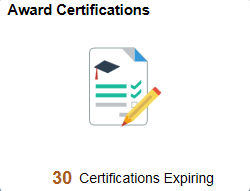
Use the Award Certifications tile to view certifications expiring in the next 90 days and not in a closed status.
Navigation:
Select the Award Certifications Tile to view the pivot grid
This example illustrates the fields and controls on the Award Certifications Tile.
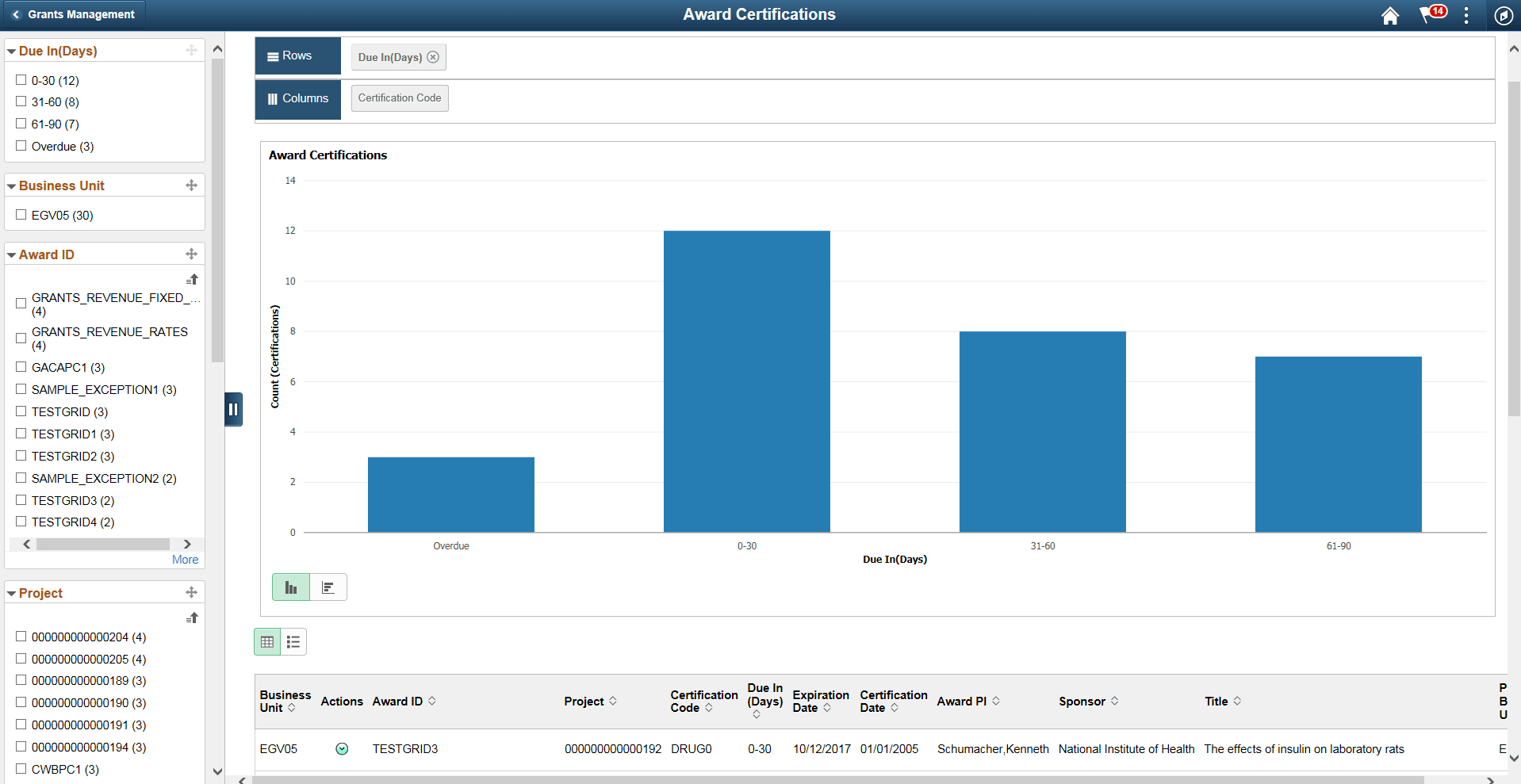
This example illustrates the fields and controls on the Award Certifications Pivot.
Pivot Grid Facets
Use the facets on the left panel to analyze pivot data. Drag and drop facets into the rows on the right panel and the page refreshes to display the grid data, which you can view as a Bar Chart, Line Chart, Pie Chart, or Horizontal Bar Chart. Select facets to filter data displayed in the pivot grid:
-
Business Unit
-
Award ID
-
Project
-
Certification Code
-
Due In (Days)
-
Expiration Date
-
Certification Date
-
Award PI
-
Sponsor
-
Title
-
PC Business Unit
You can choose to view the results as a grid or a list. The available Actions are:
-
Update Certification
-
Notify
Note:
You can send an email to a member of the team using the Notify action next to that person's name.
-
Update Award
-
Maintain Attachments
See the product documentation for PeopleTools: Pivot Grid