Adding Inventory Tiles for Insights Dashboards
PeopleSoft Inventory has these tiles associated with Insights dashboards:
-
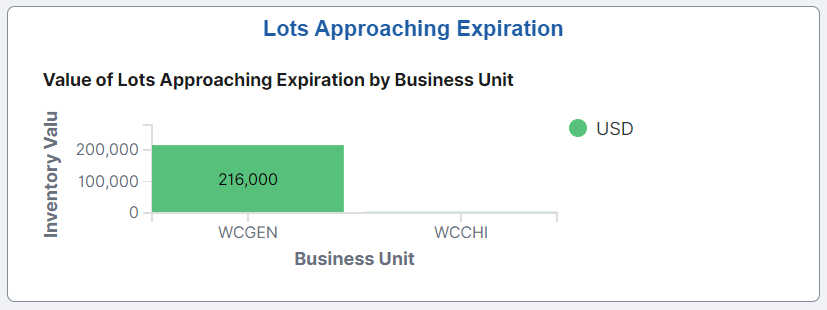
Lots Approaching Expiration Date, see Item Lots Approaching Expiration Date Dashboard
-
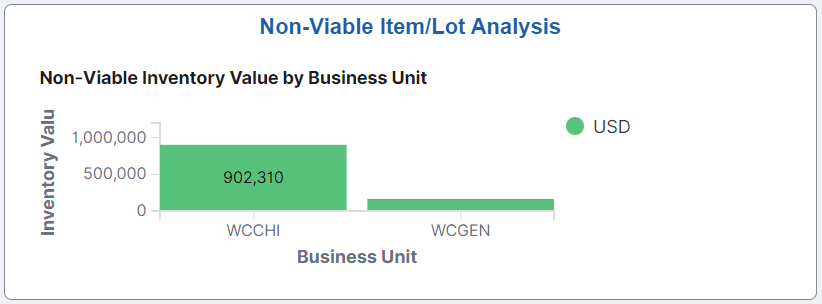
Non-Viable Item Lot Analysis, see Non-Viable Item Lot Analysis Dashboard
-
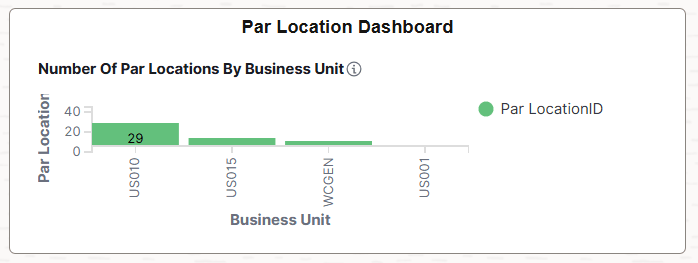
Par Location Dashboard, see Par Location Dashboard
-
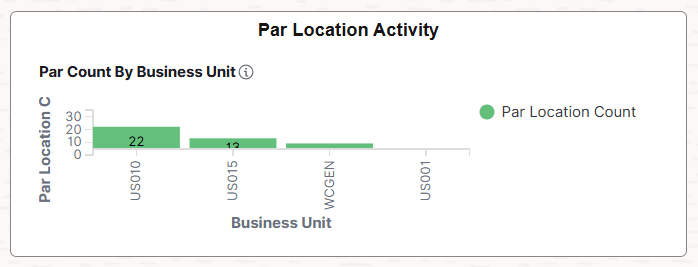
Par Location Activity, see Par Location Activity
For additional information about how to add a tile to a PeopleSoft Fluid Home page, see Application Fundamentals: Adding Homepages and Tiles and PeopleTools: Application User’s Guide, “Working With PeopleSoft Fluid User Interface”, Working with Fluid Homepages and Dashboards, Managing Tiles on Fluid Homepages and Dashboards.
This example illustrates the Lots Approaching Expiration tile.
This example illustrates the Non-Viable Item/Lot Analysis tile.
This example illustrates the Par Location Dashboard tile.
This example illustrates the Par Location Activity tile.