Voucher Exceptions Page
Use the Voucher Exceptions page (KK_XCP_HDR_AP1) to view budget-checking errors or warning messages for vouchers.
Navigation:
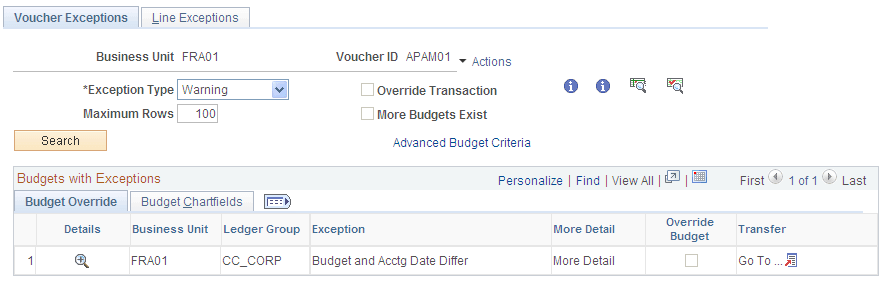
This example illustrates the fields and controls on the Voucher Exceptions page. You can find definitions for the fields and controls later on this page.
| Field or Control | Description |
|---|---|
|
|
Click the View Related Links button for the voucher ID to open a page with the following options: Go to Source Entry opens the Voucher component where you can view or change the voucher. Go to Source Inquiry opens the Voucher Inquiry component where you can view the voucher. |

Budget Override
Select the Budget Override tab.
| Field or Control | Description |
|---|---|
|
|
Click the View Exception Details button to access the Payables Voucher Line Drill Down page, where you can view transaction line details and drill down to the voucher. |

Budget ChartFields
Select the Budget ChartFields tab.
The Budget ChartFields tab displays the ChartField values for the budgets with exceptions.