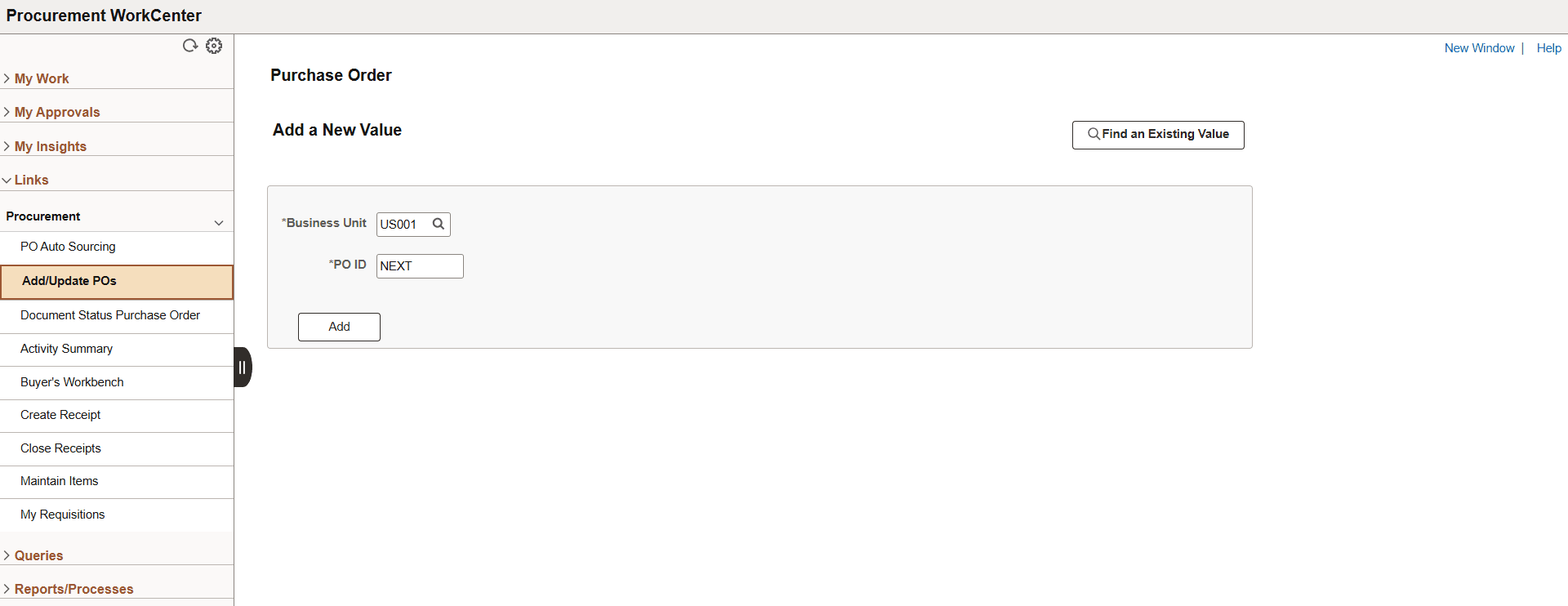
Procurement WorkCenter - Links
Use the Procurement WorkCenter - Links pagelet to view the Procurement links.
The primary purpose of this pagelet is to minimize the number of clicks to access critical path components and pages. Click any of the links on the pagelet to display the destination page in the transaction area. End users can personalize the required links they want to appear in their WorkCenter.
System administrators use the Enterprise Components: Configure Pagelets - Links Page to set up the Links pagelet for end users.
Navigation:
Select the Procurement WorkCenter tile from a Fluid homepage. Expand Links.
This example illustrates the fields and controls on the Links page.