Sample Buyer WorkCenter - Past Due Receipts Query
This example demonstrates the functionality on the Queries pagelet. Use the Queries pagelet to access frequently used queries.
This example illustrates the Queries pagelet on a sample Buyer WorkCenter.
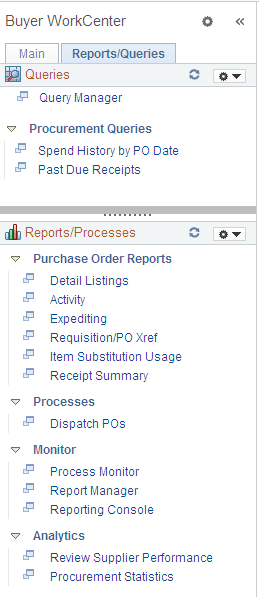
Use the Past Due Receipts link in the Queries pagelet to run the Past Due Receipts query (PO_LATE_RECEIPTS) and display the results in the transaction area.
Click the New Window icon to the left of the link to run the query and open the results in a new window.
Navigation:
Click the Past Due Receipts link in the Queries pagelet.
This example illustrates sample query results from the Buyer WorkCenter.
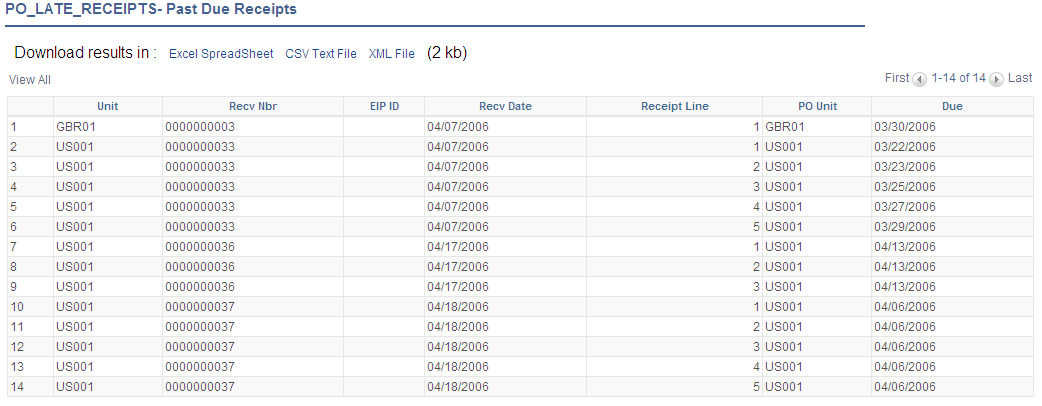
Results can be downloaded to an Excel spreadsheet, CSV text file, or XML file.