Working with the Procurement Operations Home Page
Use the Procurement Operations Home page to access individual procurement operations pages.
Navigation:
This example illustrates the fields and controls on the Procurement Operations Home Page.
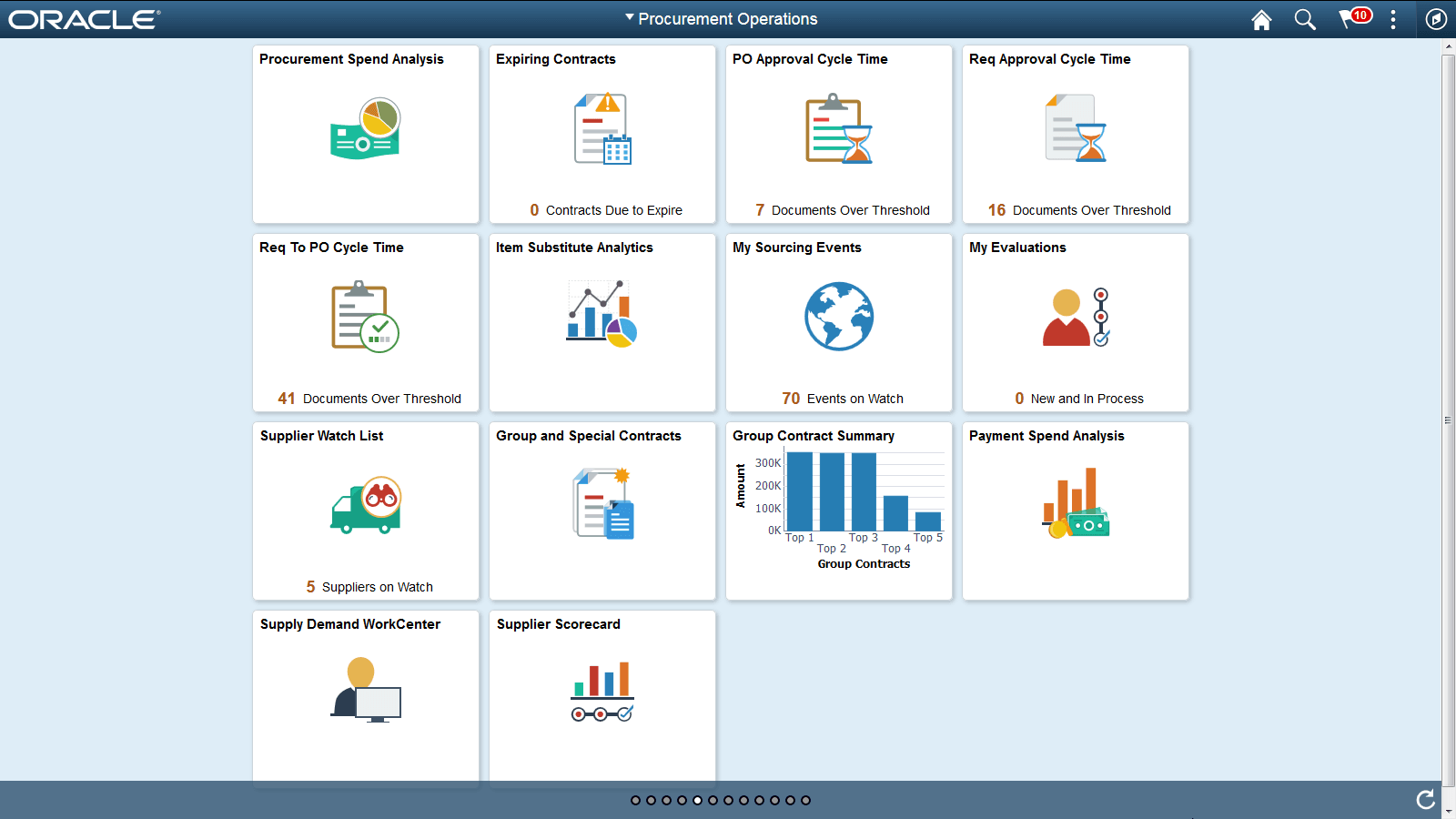
Use the Procurement Operations Home page to access individual procurement operations pages. Each tile represents one event or multiple events. All Cycle Time tiles have one event only. Supplier Watch List has multiple events. For example ‘PO Approval Cycle Time’ Tile has only one event ‘PO Approval Cycle Time’. Supplier Watch List has both ‘PO Approval Cycle Time’ event as well as ‘Req to PO Cycle Time’ event and can have a maximum of 12 events.
The following tiles are available on the Procurement Operations Home Page:
-
Procurement Spend Analysis
See Using Procurement Spend Analysis with the PeopleSoft Fluid User Interface
-
Expiring Contracts
-
Cycle Time Tiles
-
PO Approval Cycle Time
-
Req Approval Cycle Time
-
Req to PO Cycle Time
-
-
Item Substitute Analytics
-
My Sourcing Events
-
My Evaluations
-
Supplier Watch List
-
Group and Special Contracts
See PeopleSoft Source to Settle Common Information: Group and Special Purpose Contract Component
-
Group Contract Summary
See PeopleSoft Source to Settle Common Information: Group Contract Summary Page
-
Payment Spend Analysis
-
Supply Demand WorkCenter
-
Supplier Scorecard
See:
See alsoPeopleTools: Applications User's Guide, Working With PeopleSoft Fluid User Interface.