Applying Graphic Layouts
Access the Quality application client.
This example illustrates the fields and controls on the Example of graph-display layout. You can find definitions for the fields and controls later on this page.
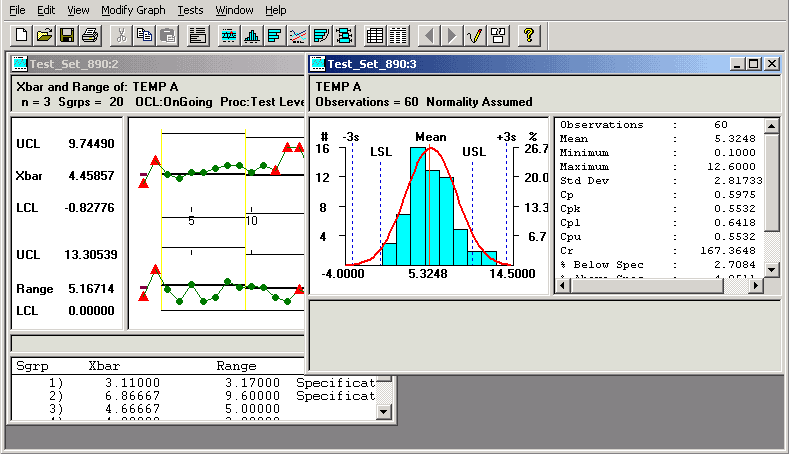
To apply a layout, select File, Apply Layout. Each time you apply a different layout to the same data, the new layout replaces the previous one. The panels on the layout display the data from the currently selected dataset. If you open a different dataset and apply the same layout, you see the new data displayed in the same arrangement of panels.
You can change any of the charts in the layout the same as when you display the chart individually. To display the original layout, apply it again.