Bills Page
Use the Bills page (AR_WC_INTFC_SEL) to display bills from BI_HDR available to be sent from Billing to AR.
Navigation:
Click the Interfaces Not Run: Bills link.
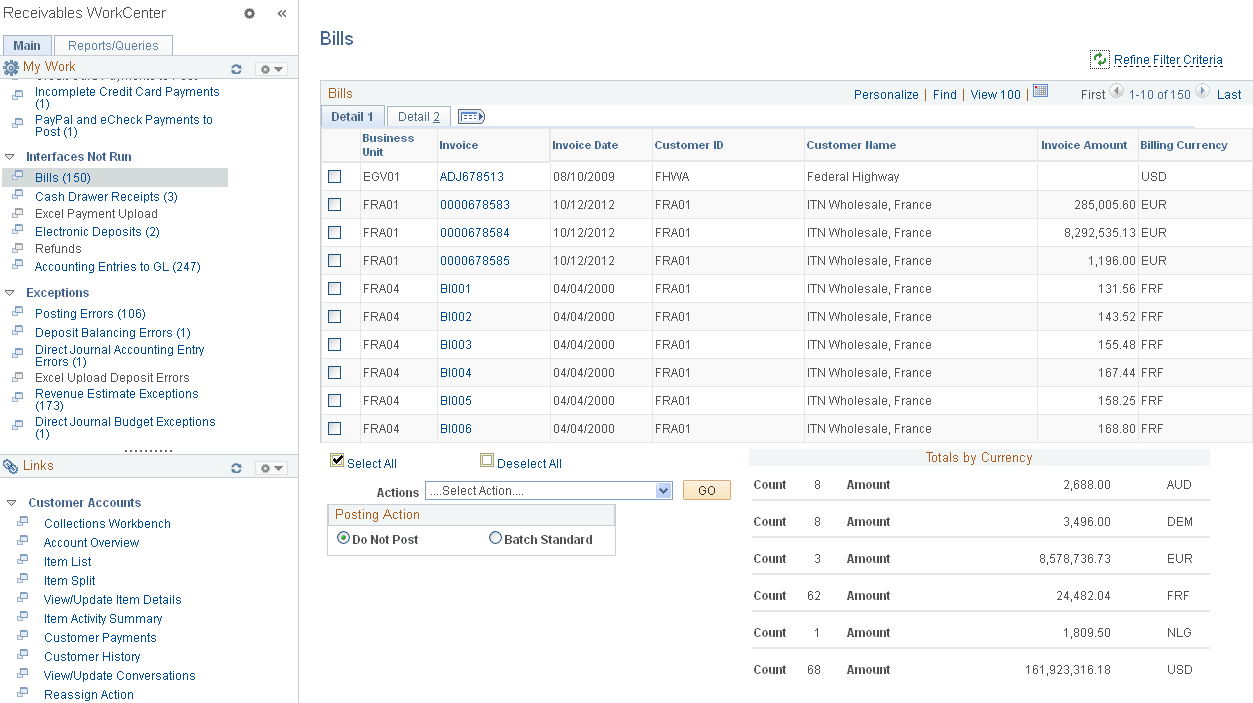
This example illustrates the fields and controls on the Bills Page - Detail 1 Tab.
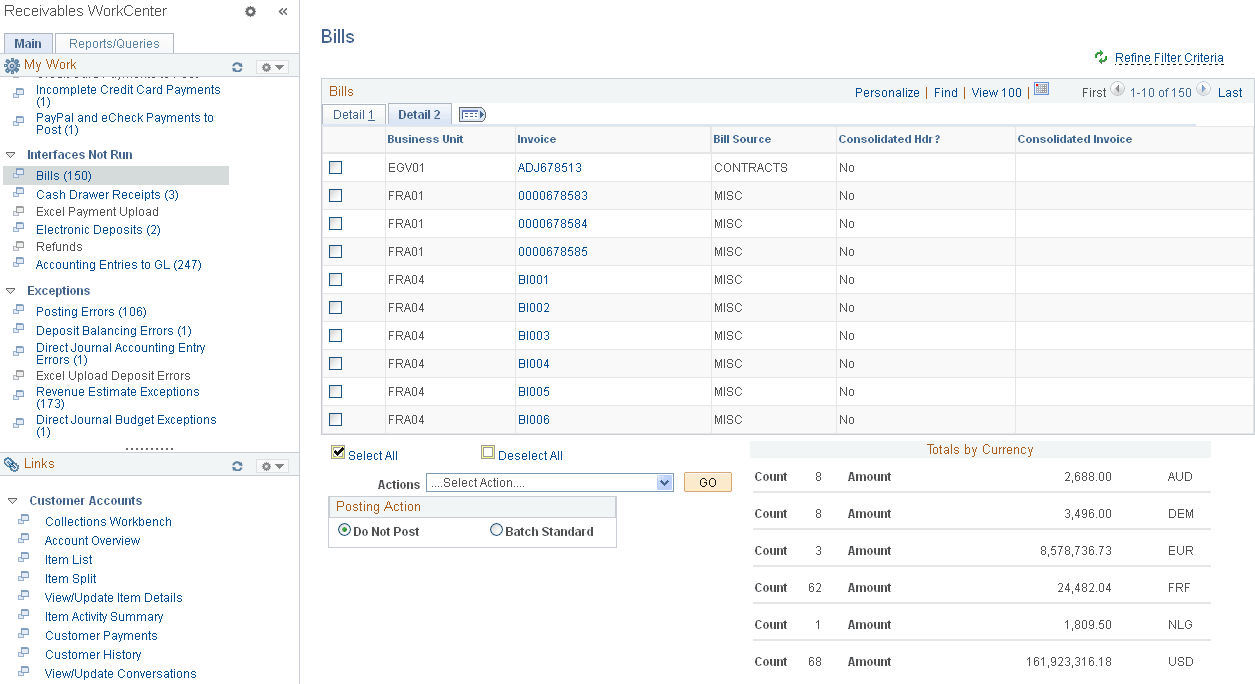
This example illustrates the fields and controls on the Bills Page - Detail 2 Tab.
| Field or Control | Description |
|---|---|
|
Actions |
Perform this action on one or more bills that you select in the Bills grid, and click the GO button: Load Invoices to AR Use this action to initiate the Load AR Pending Items Application Engine process (BILDAR01), which loads the item or items you have selected into PeopleSoft Receivables. If you use a third-party billing system, you must develop an interface to populate the pending item tables. See PeopleSoft Billing: Running the Load AR Pending Items Process (BILDAR01). See Understanding Pending Item Entry. The run control ID for this process is generated using auto-numbering with this prefix: ARWC_LDAR. |