Customer Recent Invoices Pagelet
Use the Customer Recent Invoices pagelet (C360_RECENT_INVOIC) to view the customer’s 10 most recent invoices.
This example illustrates the fields and controls on the Customer Recent Invoices pagelet.
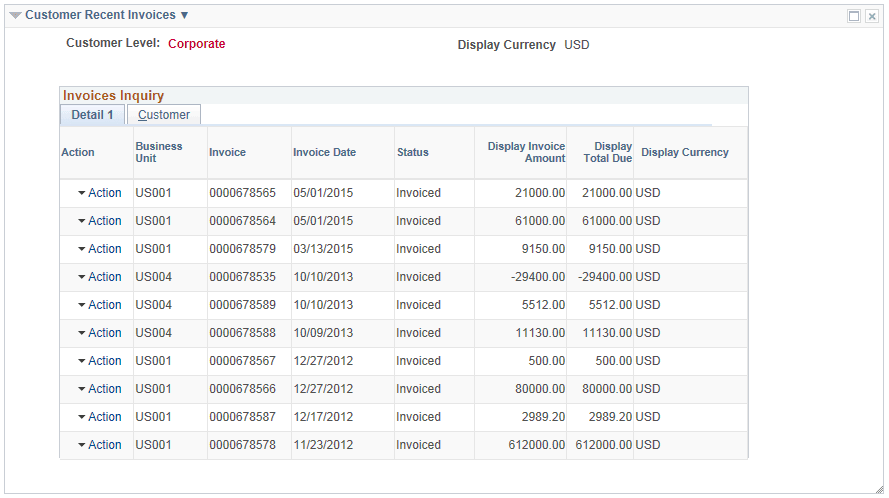
The pagelet displays contracts by the invoice date in the range defined on the Global Date Filter.
| Field or Control | Description |
|---|---|
|
Recent Invoices Filter |
Click the action glyph next to the pagelet title. Click the Recent Invoices Filter link to open the Filter Values - Refine Search Criteria page and enter new values on the Recent Invoices Filter. You can also access this filter on the My Personalizations page. |
|
Action |
Click the Action menu to select the following:
|
|
View More Invoices |
Appears when the inquiry returns more than 10 transactions. Click the link to open the Invoices Inquiry search page. |