Pending Item Groups to Post Page
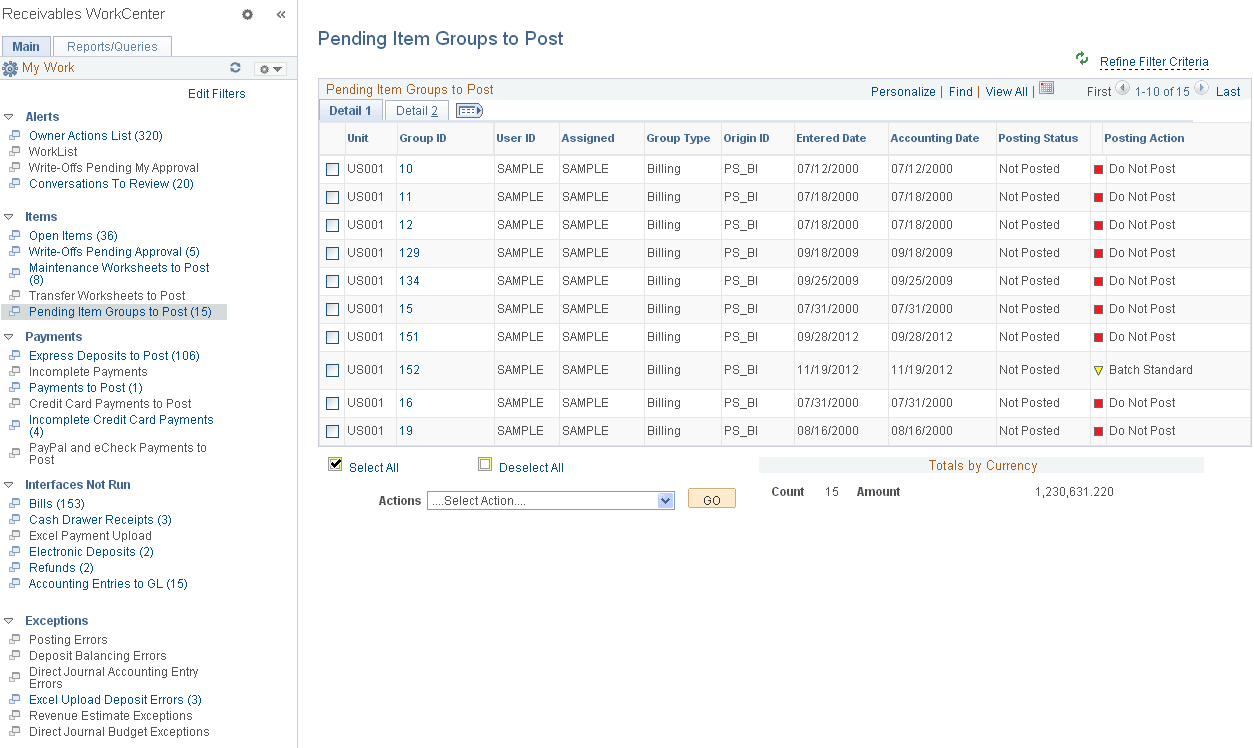
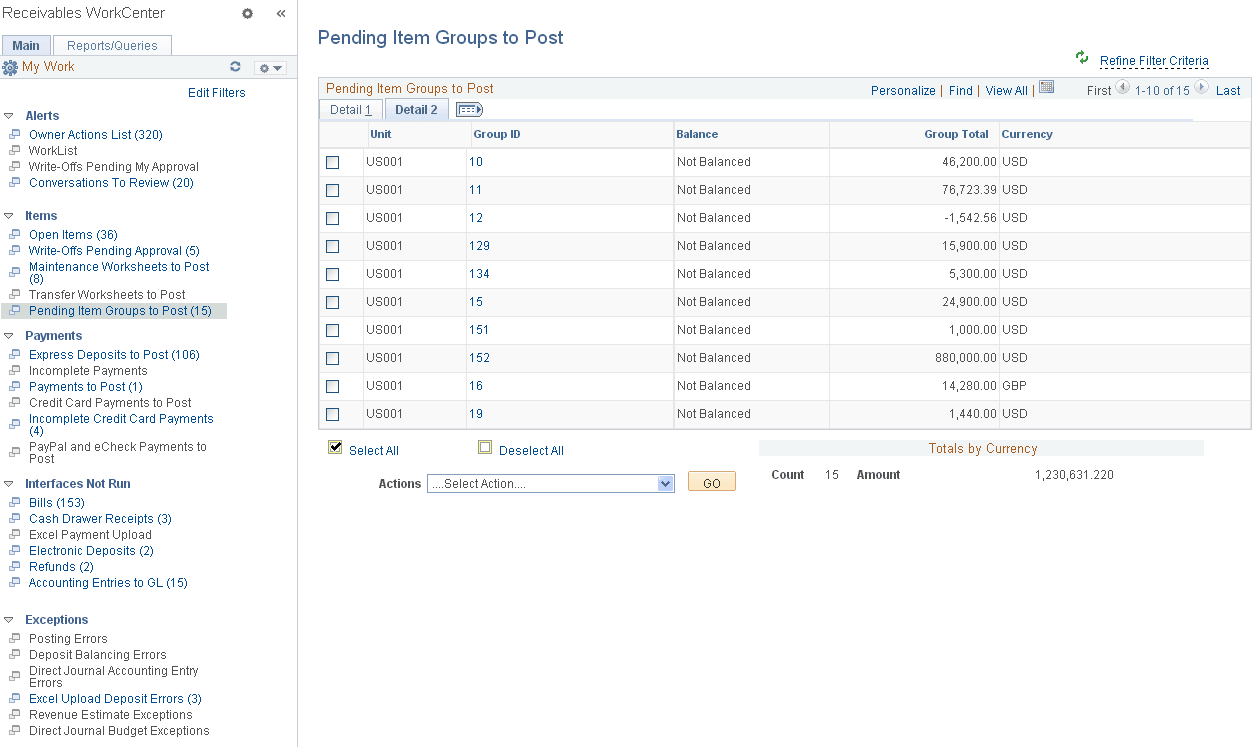
Use the Pending Item Groups to Post page (AR_WC_PNDITM_SEL) to review and select one or more pending item groups to delete or post.
The Pending Item Groups to Post page displays pending items—including Online, External, and Overdue Charges items—to be processed in the Receivables system.
Navigation:
Click the Items: Pending Item Groups to Post link.
This example illustrates the fields and controls on the Pending Item Groups to Post Page - Detail 1 Tab.
This example illustrates the fields and controls on the Pending Item Groups to Post Page - Detail 2 Tab.
Note:
Default filter values in this example show groups with a Posting Status = Not Posted and Posting Action = No Action. You must define these user filter values to achieve the same result.
| Field or Control | Description |
|---|---|
|
Group ID |
Click a Group ID link to open the pending item details for the group. If a pending item group was loaded using a billing interface (Origin ID = PS_BI), the External Pending Item Entry pages open (Accounts Receivable, Pending Items, External Items). For pending items that were entered online (Origin ID = OBILL), the Online Pending Item Entry pages open (Accounts Receivable, Pending Items, Online Items). For Overdue Charges pending groups with a single customer/item, the Finance Single Entry Format component opens upon clicking the Group ID link. If multiple customers/items are associated with the Overdue Changes group, first a detail page displays all the transactions associated with the group. Click the Item ID link on the detail page to view the respective Finance Single Entry Format component pages. |
|
Actions |
Perform an action on one or more groups that you select in the Pending Item Groups to Post grid, and click the GO button. Choose from these actions:
All actions except for Post Now and Post Now to GL are allowed for Overdue Charges and External items. To perform actions on groups one at a time, you can also use the Group Action page (Accounts Receivable, Pending Items, External Items, Group Entry, Group Action or Accounts Receivable, Pending Items, Online Items, Group Entry, Group Action). |
|
Totals by Currency |
Displays the sum of Control Amounts of the items in the Control Currency. If the Control Currency is not specified at the transaction level, then the system will not display a currency code for the amount. |