Credit to Cash Operations Home Page
Users must be granted the appropriate permissions to access tiles and pages by assigning a permission list ID.
Credit to Cash Operations Home Page
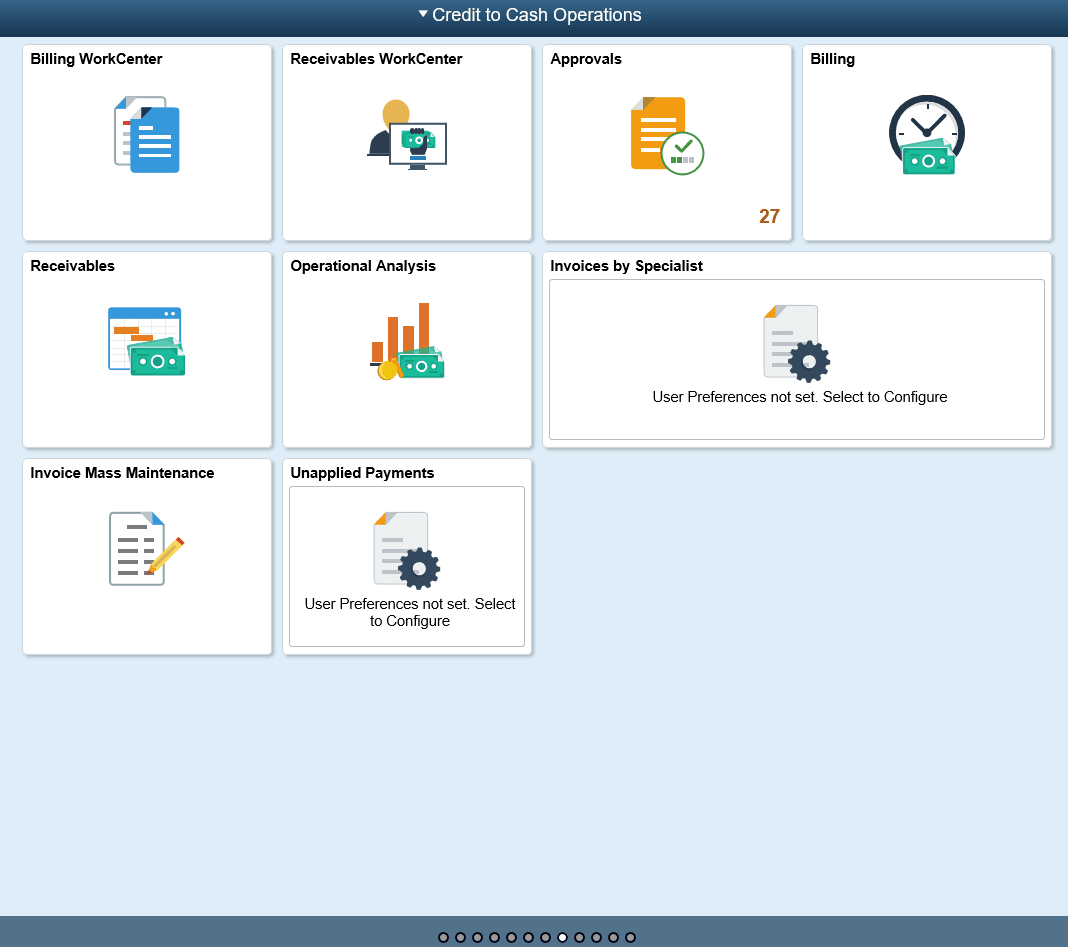
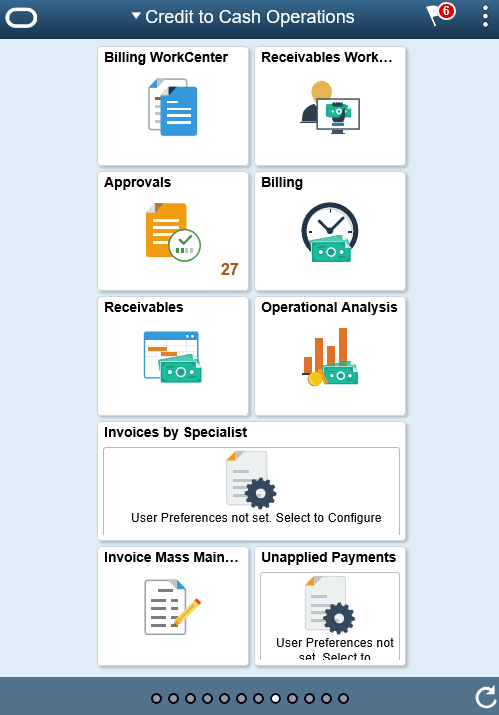
The Credit to Cash Operations Home page displays the tiles to analyze the operational efficiency using metrics.
Navigation:
This example illustrates the fields and controls on the Credit to Cash Home Page as seen on a desktop.
This example illustrates the fields and controls on the Credit to Cash Home page as seen on a smart phone.
Note:
As of date on the tiles indicates the date when the materialized view was last updated.
For the information on receivable materialized view, see Understanding Operation Metrics.
Tiles Used to Analyze Receivables Operations
You can use the following tiles to analyze the operational efficiency within PeopleSoft Receivables:
-
Receivables WorkCenter
-
Receivables
-
Operational Analysis
-
Unapplied Payments
Use the Operational Analysis tile to access these metrics:
-
Dispute Resolution Cycle Time
-
Past Due Items Assignments
-
Doubtful Items
-
On-Account Payments
-
Customer Aging
-
DSO (Days Sales Outstanding) Trend