Voucher Status Pagelet
Access the Voucher Status pagelet
This example illustrates the fields and controls on the Liability Exposure pagelet.
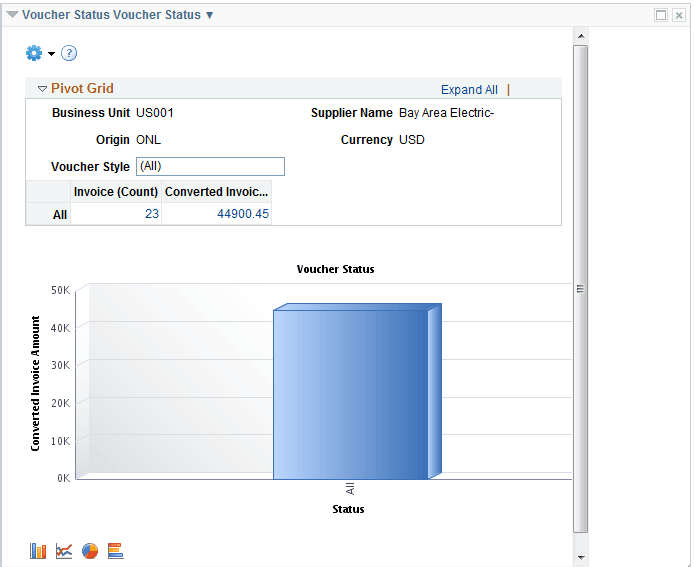
The Voucher Status pagelet displays a pivot grid. This pivot grid is based on a query that displays the voucher status for a particular supplier based on business unit and voucher style.
You can click on one of the values in the grid to open the Pivot Grid Drilldown page. You can also click on one of the columns on the graph and click on the Detailed View button to access the Pivot Grid Drilldown page. Use the Pivot Grid Drilldown page to list and view the details of the voucher status by business unit. Use the Related Actions link and click the Update Voucher button to access the Voucher - Summary page.