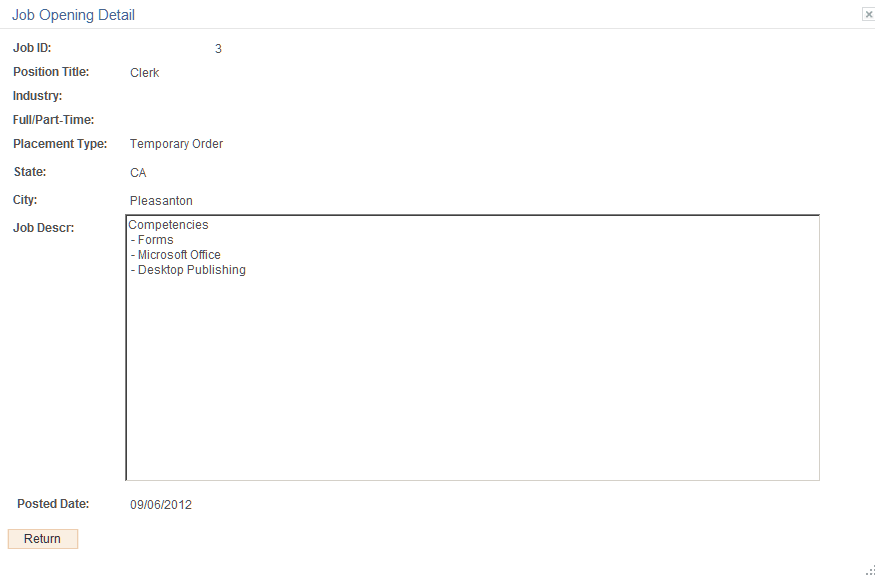
Job Opening Detail Page
Use the Job Opening Detail page (FO_APP_SS_JOB_DTL) to view internal job details.
Navigation:
From the Apply Online component, navigate through the train stops by clicking the Nextbutton until the system takes you to the Job Opening page. In the Search Results section, click the Detail icon.
This example illustrates the fields and controls on the Job Opening Detail Page. You can find definitions for the fields and controls later on this page.