Email Notifications
The first email notice that is sent to bidders is either a registration confirmation email containing an assigned password or notification that the registration is routed for approval. Subsequent emails are automatically generated to advise bidders and internal users of the progress of the event.
PeopleSoft Strategic Sourcing delivers several standard email notices, which you can alter as needed. Some specific email notifications include links to a website or a PDF file attachment that provides further information.
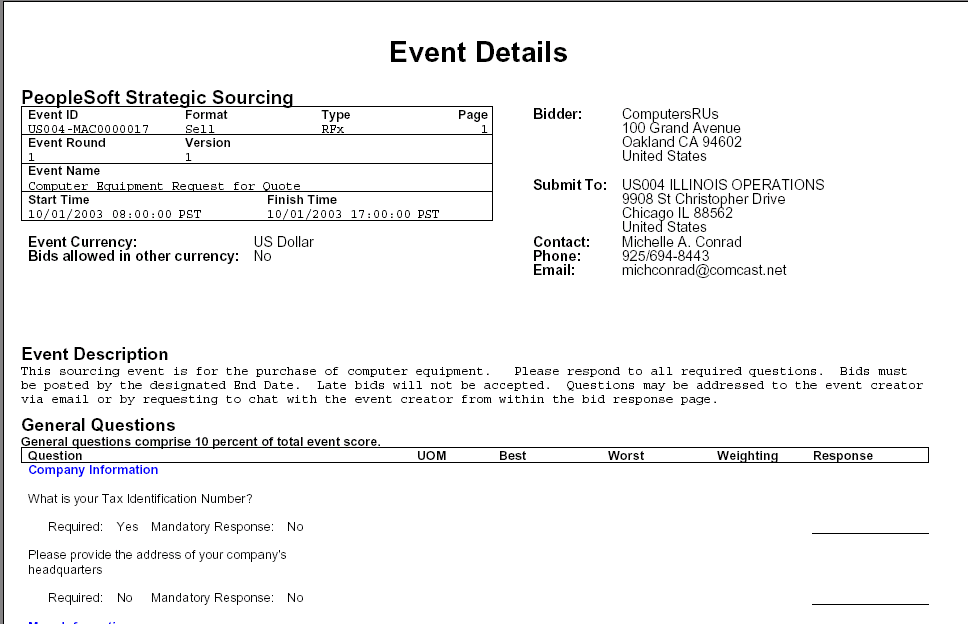
Example of a notification PDF file
Sending Email Notifications
When you post an event, email notifications are sent immediately or at a later date based on the option selected in the Notify Bidders on Posting drop-down list in the
Sourcing - Business Unit Definition Page.
-
If the Immediate option is selected, notifications are sent as soon as the event is posted.
-
If the Preview Date option is selected, notifications are sent on a Preview date as set in the Event Summary Page. In this case, the event rows are temporarily stored in Stage.
For more information, see the Sourcing - Business Unit Definition Page.
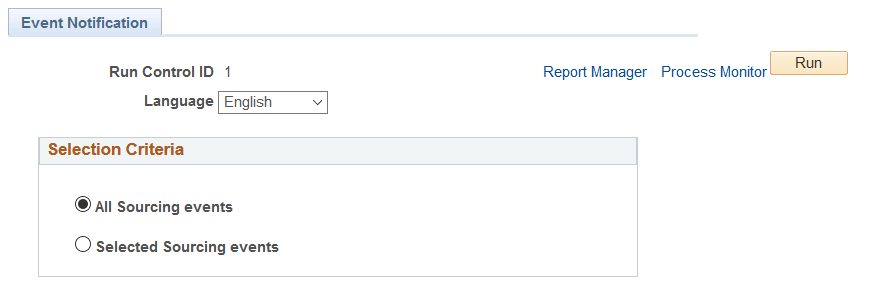
PeopleSoft has created a Batch program to retrieve the event rows stored in Stage and send the notifications on the Preview Date. You may run the Batch program to send notifications for all Sourcing events, or for a specific Business Unit and Event ID.
Navigation:
This example illustrates the fields and controls on the Event Invitation Notification page.