6.2.2 Creating Materialized View in App Designer
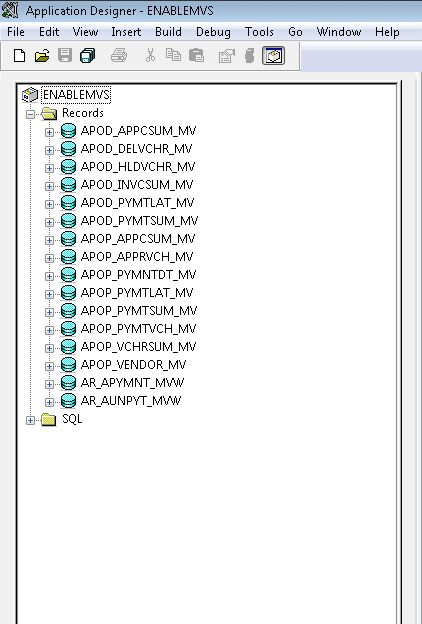
Once the materialized views are enabled in the above task and saved, access Application Designer and open project ENABLEMVS consisting of all views enabled. Build this project so as to create materialized views.
Figure 6-2 Application Designer: All Views
Note:
After creating materialized view on DB2 z/OS platform, if you see the VIEWS- 1 exception for DDDAudit, then refer PeopleTools: Data Management, “Running DDDAUDIT,” View Queries for resolution.