Approvals Tile (Fluid Approvals)
Use the Approvals tile to review pending and historical approval requests that are associated with the logged-in manager using Fluid Approvals technology.
Navigation:
Select Fluid Home under the main menu. On the page that appears, select Manager Self Service. The Approvals tile is available on the Manager Self Service landing page.
As a manager, you can add the tile, through personalization, to a system-delivered homepage or a homepage that you create.
This example illustrates the Approvals tile.
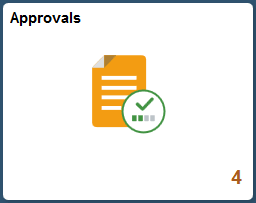
The tile shows the total number of pending approvals. If no pending approvals are available, the tile does not display a number count.
Tap the tile to access the Pending Approvals and Approvals History pages without using traditional menu navigation to review and approve different transactions.
The Approvals pages support approvals that use AWE.