Navigating in eDevelopment
The standard menu-driven navigation path is the standard access method for eDevelopment.
(Classic) If using the classic user interface, users access eDevelopment by selecting the following from the Navigator menu:
-
Employee:
-
Manager:
This is an example of an eDevelopment navigation path for an employee using the classic user interface.
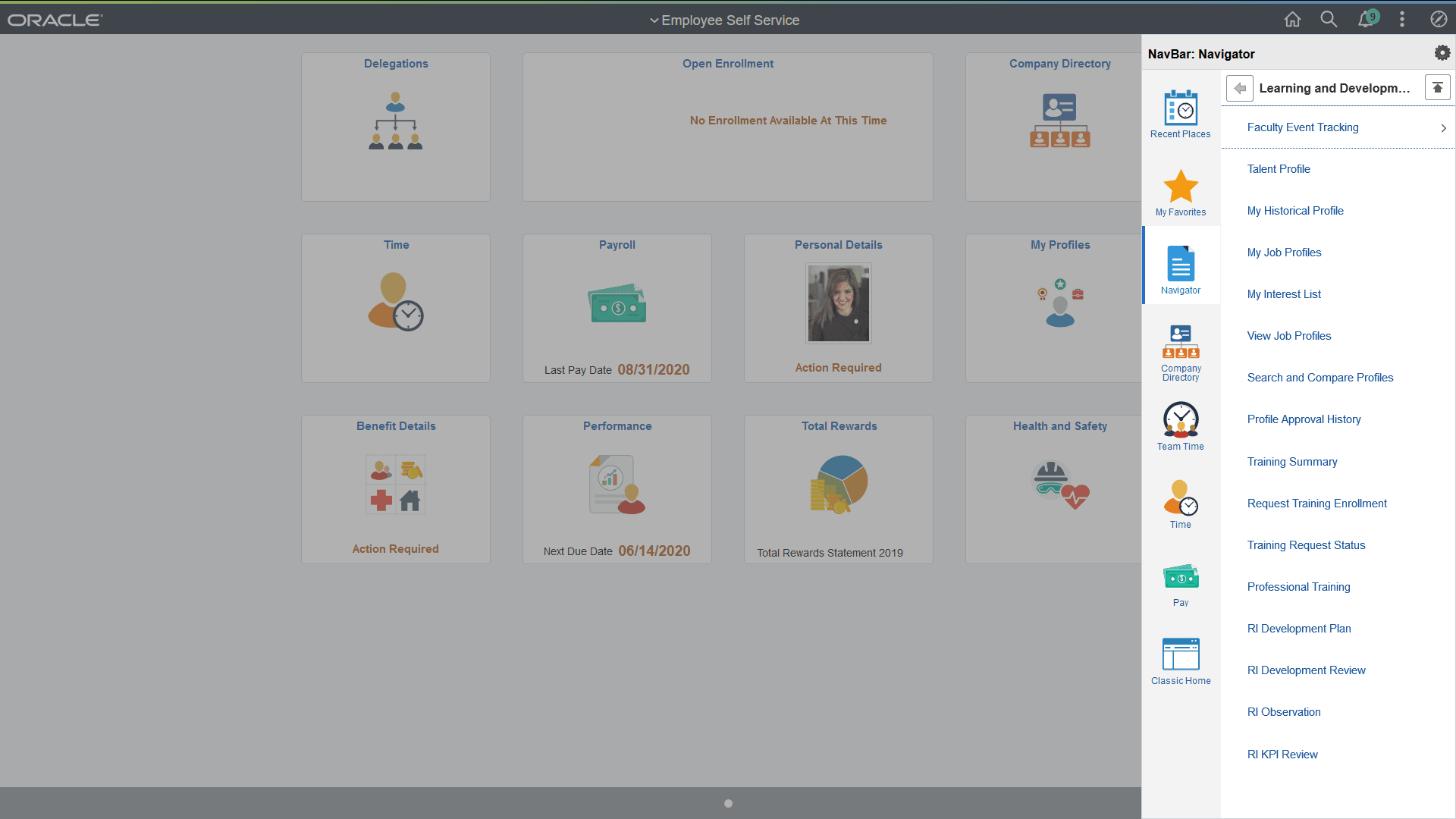
(Fluid) If using the fluid user interface, users access eDevelopment by selecting the following navigation:
-
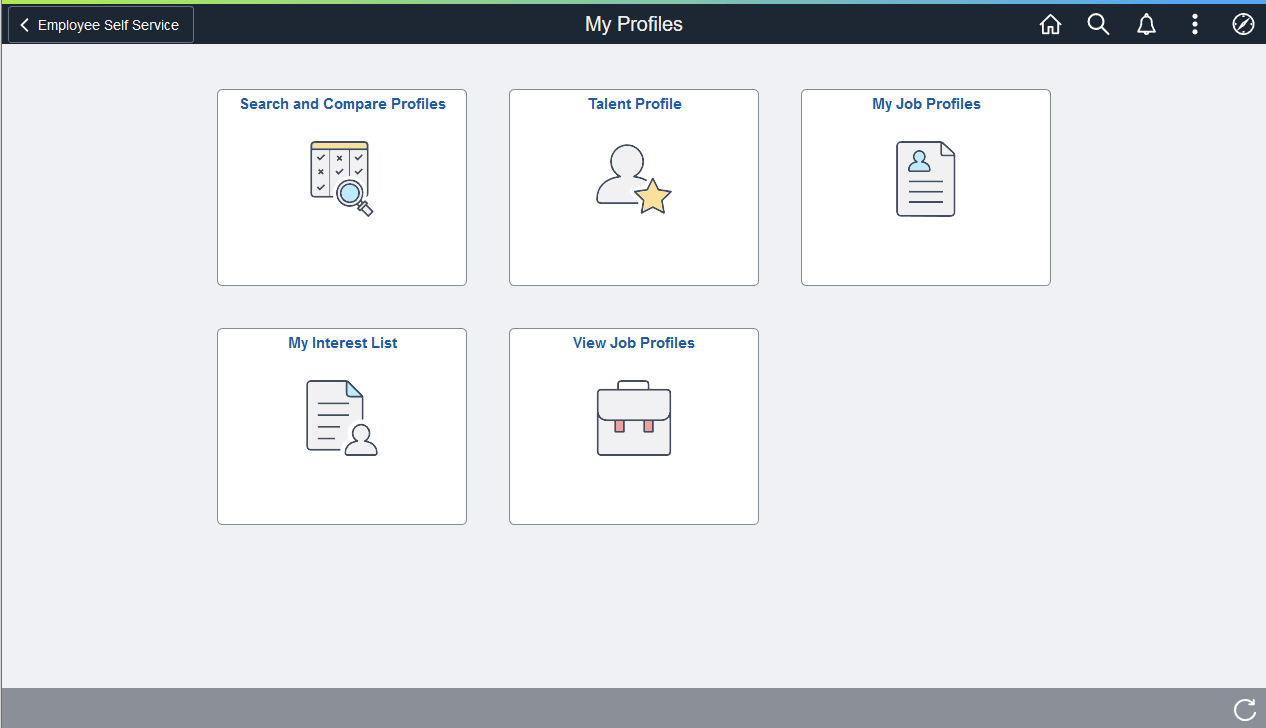
Employee: From the Employee Self Service fluid home page, select the My Profiles tile.
-
Manager: From the Manager Self Service fluid home page, select the Team Profiles tile.
This is an example of one of the eDevelopment dashboards, My Profiles, for an employee using the fluid user interface.