Court Order Details Page
Use the Court Order Details page (GPES_GRN_CRTORDDTL) to define court order details.
Navigation:
This example illustrates the fields and controls on the Court Order Details page. You can find definitions for the fields and controls later on this page.
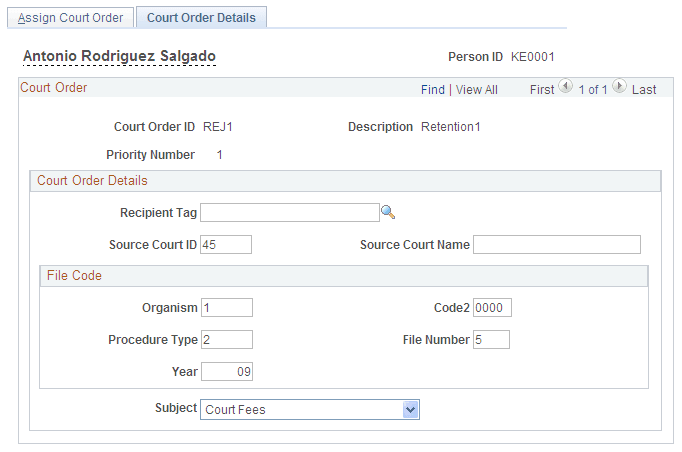
Court Order Details
| Field or Control | Description |
|---|---|
|
Recipient Tag |
Select the ID of the recipient of the court order deduction. Only recipients assigned to the employee are available to select in this field. See PeopleSoft Global Payroll: Add Deduction Recipients Page. |
|
Source Court ID and Source Court Name |
Enter the ID and name of the court that issued the court order. |
|
Subject |
Select a reason for the court order. |
File Code
Use the fields in this group box to define the values of the different sections of the court order file code. The file code ensures that banking files that include this court order are transferred to the correct judicial body.