Select Job Page
Use the Select Job page (HCM_JOB_SELECT) to employees with multiple jobs use this page to select the job for which they want to enter or review a self-service absence transaction.
Navigation:
This example illustrates the fields and controls on the Select Job page for an absence request.
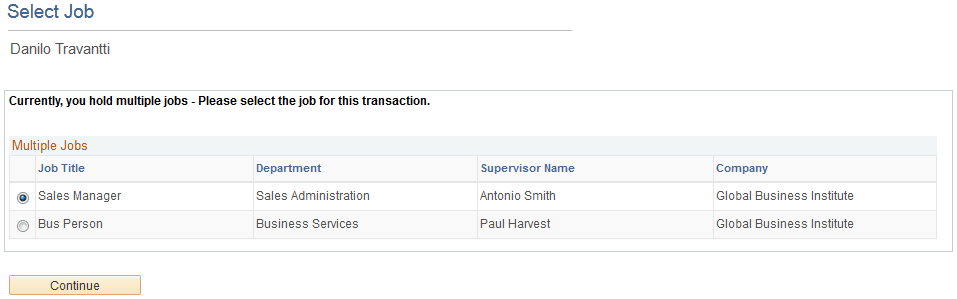
Employees with multiple jobs must select the job for which they are entering or reviewing self-service absence transactions This sample page shows an example of an employee with multiple jobs that is entering an absence request. A similar page with a modified title appears whenever this employee initiates any absence self-service transaction.
After the employee selects the job title, the processes are identical to those discussed in the previous topics.