Mass Employee Transfer Page
Use the Mass Employee Transfer page (RC_IDO_MASS_TR_JPN) to run this process to copy data from the Update Transfer Data table and insert it into the Job record.
Navigation:
This example illustrates the fields and controls on the Mass Employee Transfer page. You can find definitions for the fields and controls later on this page.
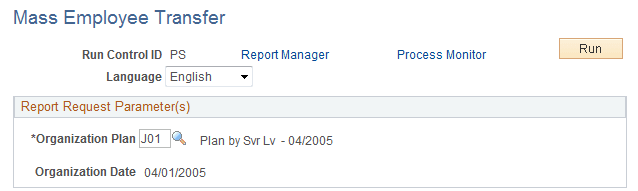
After you decide which organization plan to use, run the batch Mass Employee Transfer process. This process updates the database with the new the organization plan. It copies data from the Update Transfer Data table and inserts it into the Job record.
If multiple job rows exist with the same effective date, the same effective date is used, however the effective sequence is incremented. For example, if you want to insert a row into the Job table effective January 1, 2004, but a January 1, 2004 row already exists (with an effective sequence of 0), the process will insert the new row with an effective sequence of 1.