Social Security Company Setup - Company Setup Page
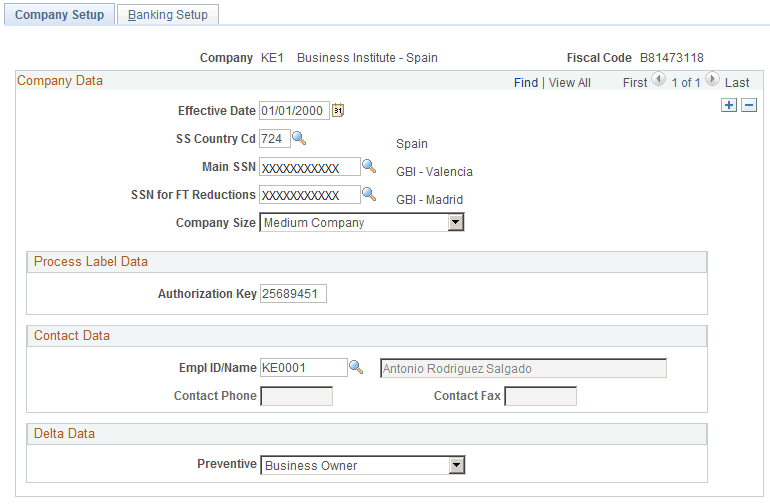
Use the Company Setup page (SOCS_SETUP_ESP) to enter specific company information, including data needed for social security purposes.
Navigation:
This example illustrates the fields and controls on the Company Setup page. You can find definitions for the fields and controls later on this page.
| Field or Control | Description |
|---|---|
|
SS Country Cd (social security country code) |
Enter the social security country code for the company. |
|
Authorization Key |
Enter the authorization code to access Winsuite provided by the Social Security General Treasury. |
Delta Data
| Field or Control | Description |
|---|---|
|
Preventive |
Identify the kind of labor risk prevention management that the company uses. Valid values are:
|