Merge Other Data Sources Page
Use the Merge Other ACA Data Sources page (ACA_DTMRG_RUNCTL) to merge other source data to the ACA employee transmittal data.
Navigation:
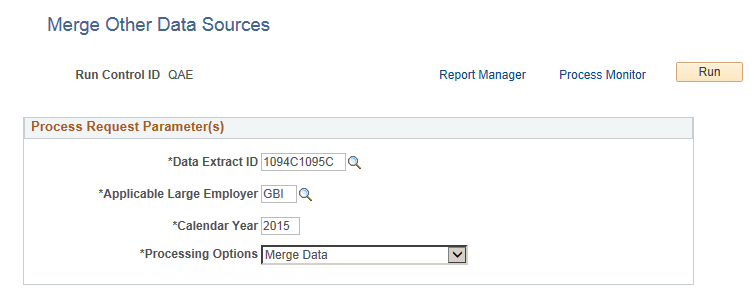
This example illustrates the fields and controls on the Merge Other Data Sources page.
| Field or Control | Description |
|---|---|
|
Data Extract ID |
Enter the Data Extract ID that defines the data to be merged. |
|
Applicable Large Employer |
Select the ALE Member for the data to be merged. |
|
Calendar Year |
The calendar year for which data is being reported. |
|
Processing Options |
The options available are:
|