1.1.11 Using the Fluid User Interface
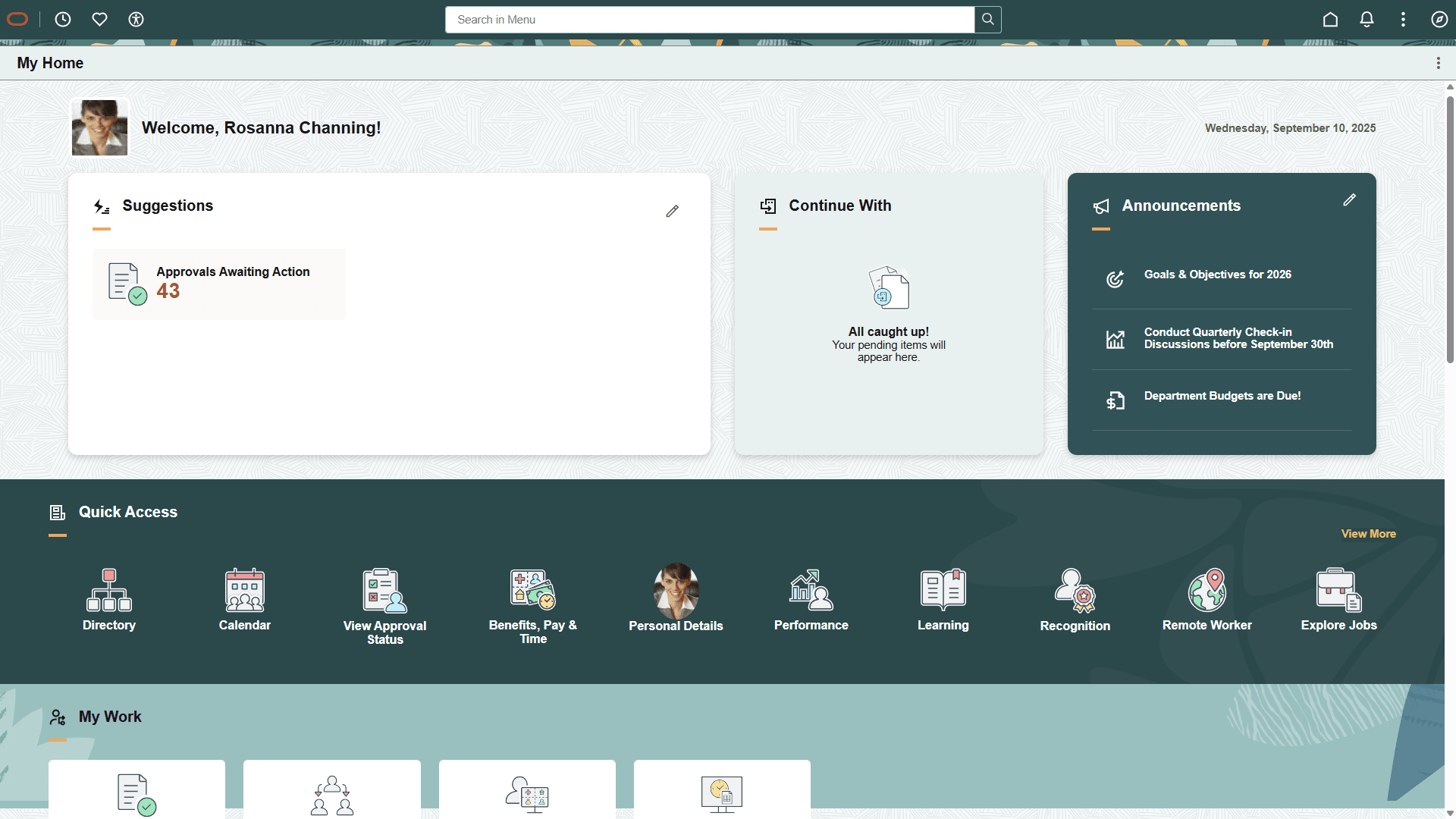
When you sign in to your PeopleSoft application, you may see the My Home landing page by default. To access a desired page, from the My Home landing page:
-
On the My Home landing page, shown in this example, select (press) the Global Search bar on the banner.
Figure 1-1 My Home landing page
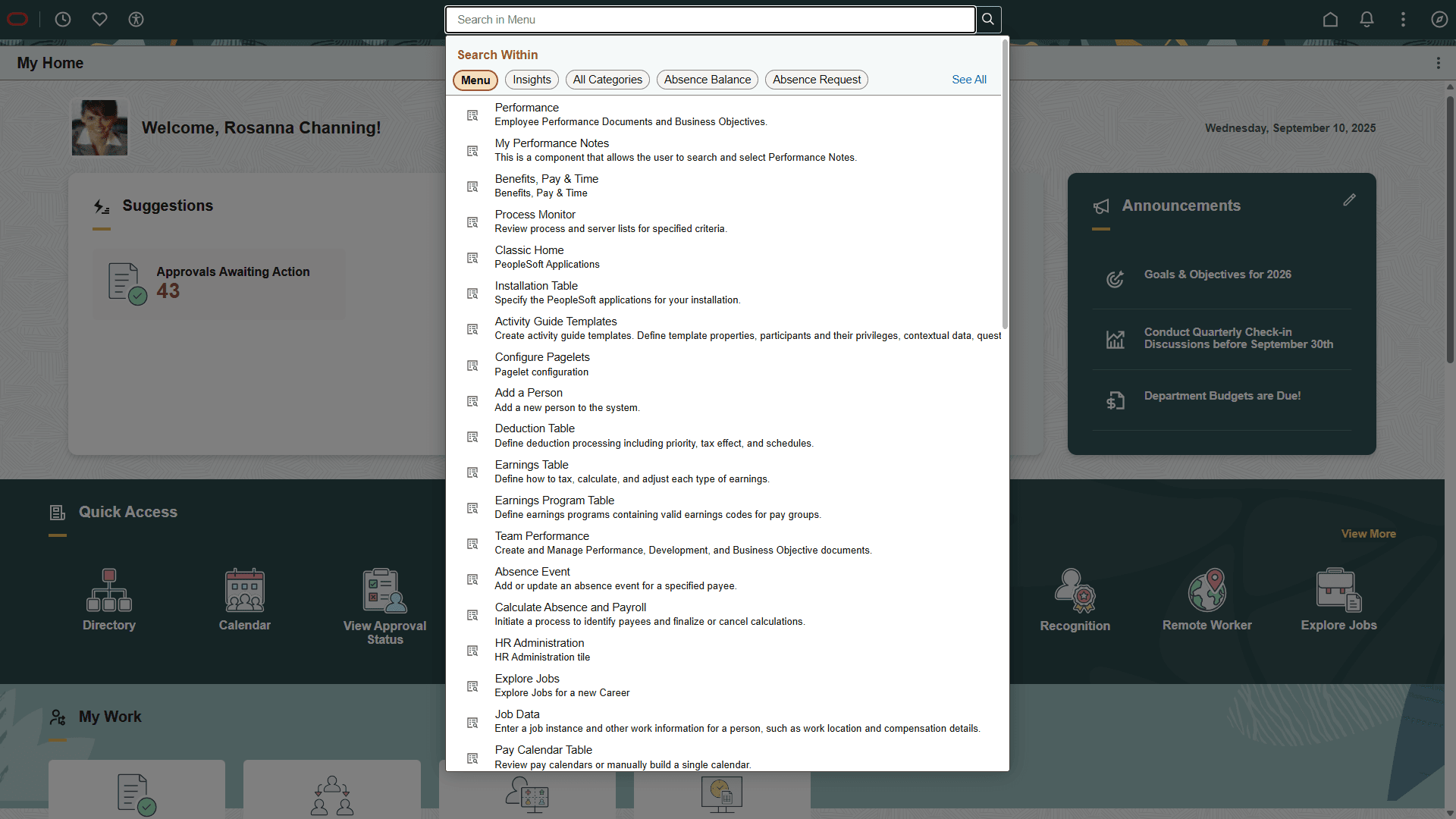
The search suggestions for Menu appear.
-
Select a search suggestion or enter a search term, such as Installation Table or Data Federalization. As you type, the suggestions are updated to reflect the search term or terms you have entered.
Figure 1-2 Keyword input field with search suggestions for Menu
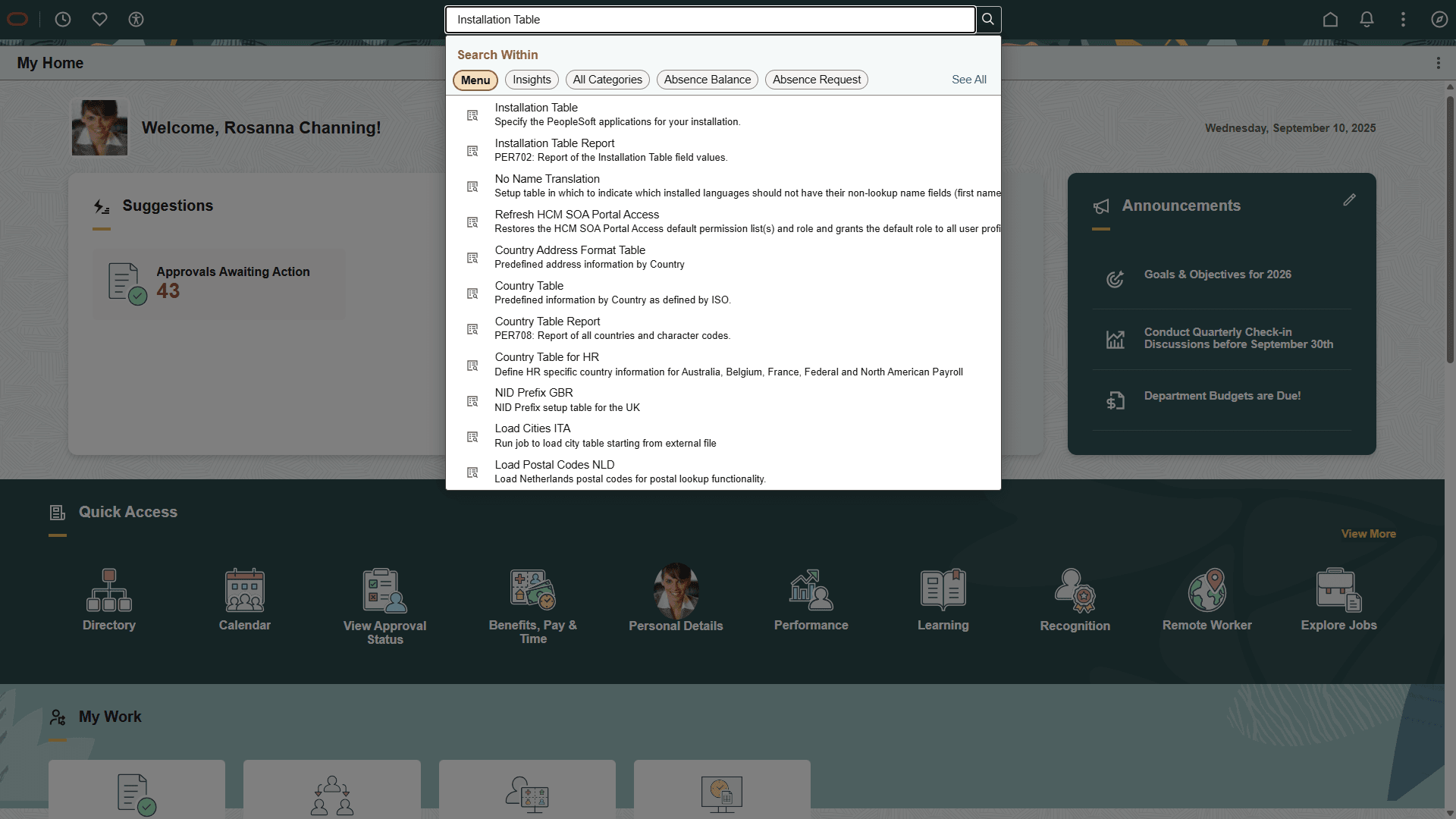
The search suggestions for your searched term are displayed.
-
Select the desired item from the search suggestions to navigate directly to it.
Figure 1-3 Search suggestions displayed for searched term
Alternatively, you can also use the NavBar button in the top right of the fluid page banner to navigate to a desired page.
See Also
PeopleTools: Applications User’s Guide, "Working With Fluid Homepages"
PeopleTools: Fluid User Interface Developer’s Guide