Updating the Service Operation Routing
To update the service operations routing:
-
Select
-
Select the service operation that you need to update.
-
Select the Routing page.
-
Either enter a new routing or click the link for an existing routing.
-
If it is a new routing, enter the routing information.
-
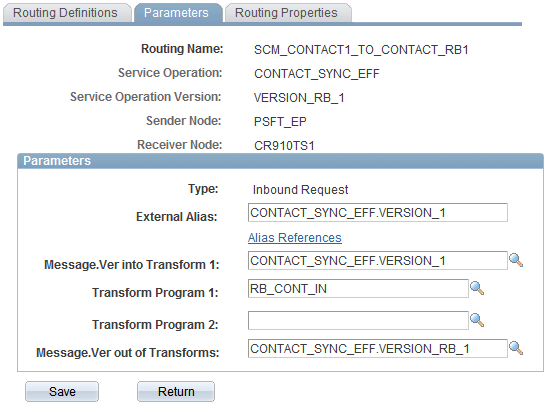
Access the Parameters page.
Field or Control Description Message.Ver into Transform 1
This is the PeopleSoft ABM message.
Transform Program 1
This is the transformation program created for this integration.
Message.Ver out of Transforms
This is the EBM message that will be sent to the third party.
-
Save the routing.
This example illustrates the fields and controls on the Service Operations Routing - Parameters page. You can find definitions for the fields and controls later on this page.