Record Mapping Page
Use the Record Mapping page (EOIU_SORECMAP) to map a message record to another record.
Navigation:
This example illustrates the fields and controls on the Record Mapping page. You can find definitions for the fields and controls later on this page.
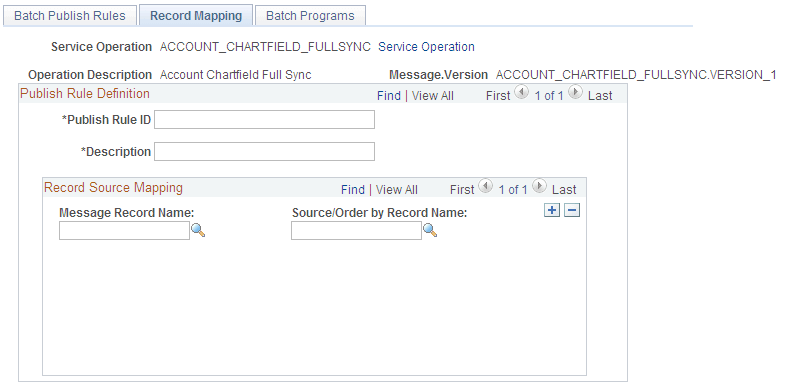
Use this page to map a message record to another record.
Note:
When running a batch publish rule, the Publish utility runs cleanup logic, which either updates fields or deletes rows in the source tables. If the source table is a view that contains a join, then the option to delete published rows fails.
| Field or Control | Description |
|---|---|
|
Message Record Name |
Enter the name of the record in the message that you want to map to another record. |
|
Source/Order By Record Name |
Enter the record name that the Publish utility uses to select data. |
This page specifies the source data for a record in a message. It works in the same manner and accomplishes the same purpose as the Record Mapping page for a full table publish.